#1 Code Testing AI
Don't ship bugs because flows are too hard to test. TestDriver helps engineering teams easily test, debug, and monitor E2E flows that are hard or impossible to cover with other tools.

Third-Party Web Apps
Desktop Apps
VS Code Extensions
Chrome Extensions
AI Chatbots
OAuth
PDFs Content
Spelling & Grammar
File System & Uploads
OS Accessibility
Visual Content
<iframe>
<canvas>
<video>








Code Sample
Automatically test any app with JavaScript and Natural Language.
Write test intent in plain English — or generate them automatically using Claude or any LLM.
TestDriver turns intent into reliable, real-user interactions across desktop and browser apps.
Describe what to test. TestDriver figures out how.
TestDriver uses vision to execute real user actions and adapts automatically as your app evolves.
Describe behavior in natural language
Use JavaScript to author tests with our Vitest plugin.
Vision-Based execution
TestDriver understands what's on screen and acts like a real user.
Self-healing tests
Tests adapt as the UI changes instead of flaking or breaking.
Trusted by leading engineering teams.




Reporting
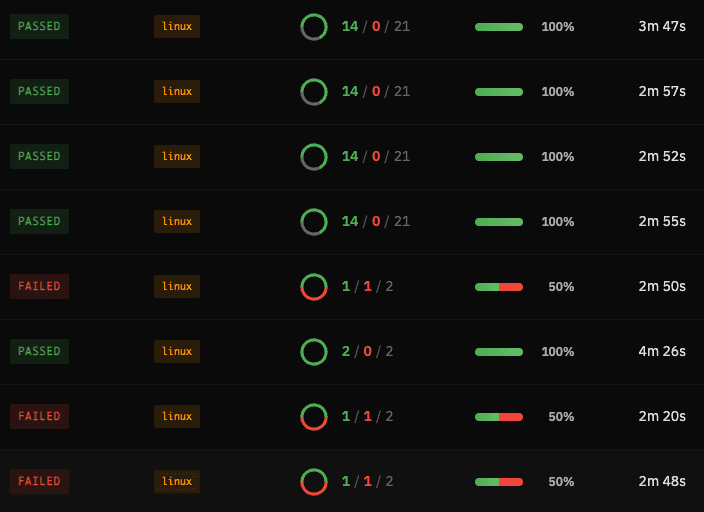
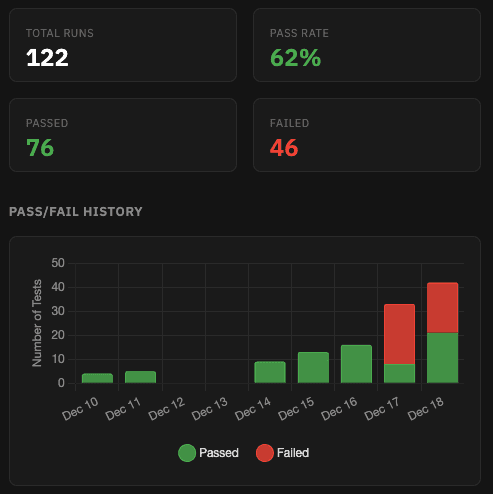
Get visibility into every test run
Replay executions, track pass/fail history, and understand how your tests perform over time.
Debugging
Quickly locate the root cause of failures.
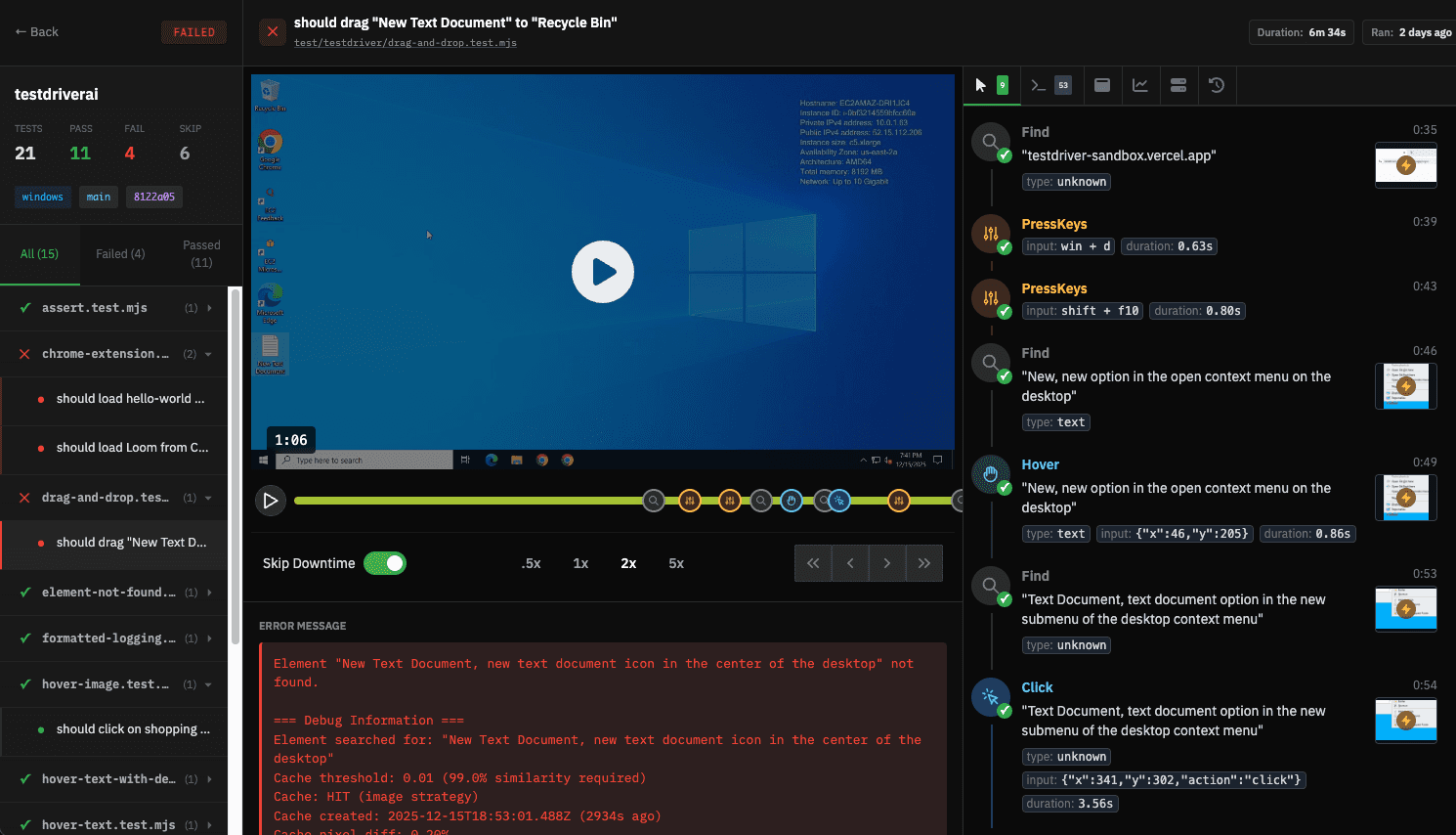
When a test fails, inspect logs, browser activity, and system performance.
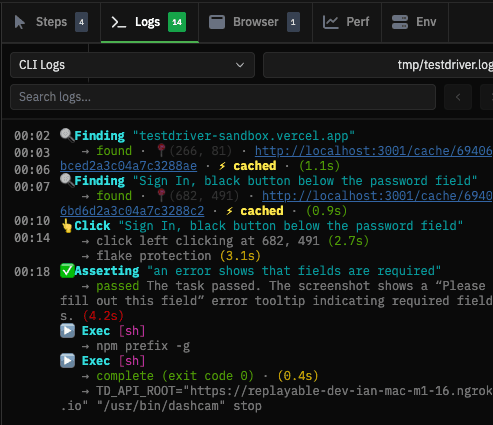
Inspect test output and application logs
Understand exactly what the app reported at the moment the test failed.
View full test output alongside application logs for every run. Correlate failures with errors, warnings, and unexpected behavior — without rerunning the test.
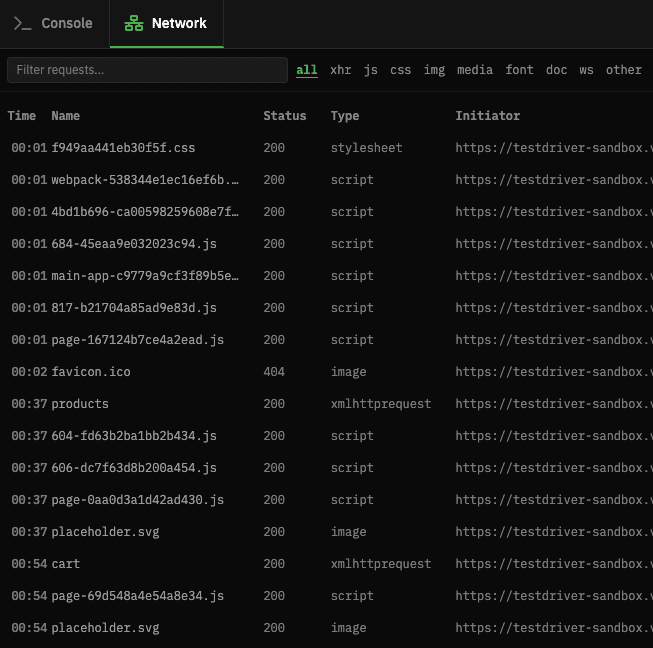
Inspect browser logs and network activity
Spot failed requests, slow endpoints, and unexpected responses that caused a test to fail.
Analyze console logs, network requests, and responses captured during the test run.
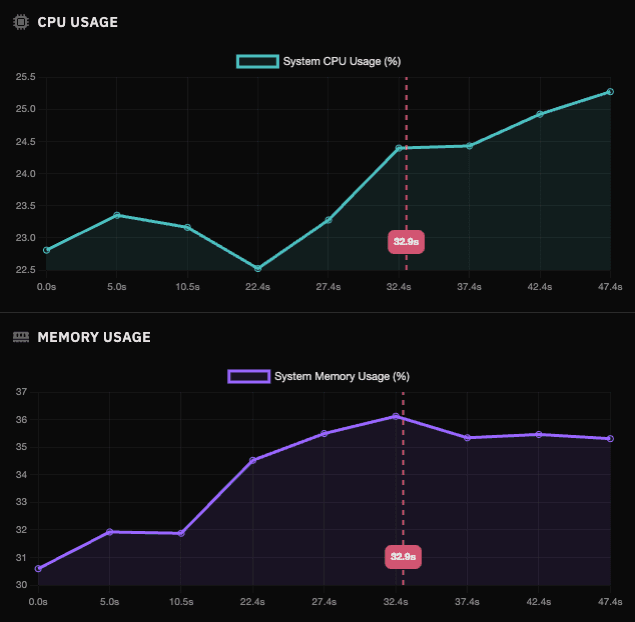
Monitor system performance during tests
Track CPU and memory usage while tests run to catch performance regressions, resource leaks, or environment issues.
How It Works
Vision-based understanding for durable testing
TestDriver watches your app as it runs, builds a reusable understanding of what’s on screen, and uses that to execute and maintain tests that survive UI changes.
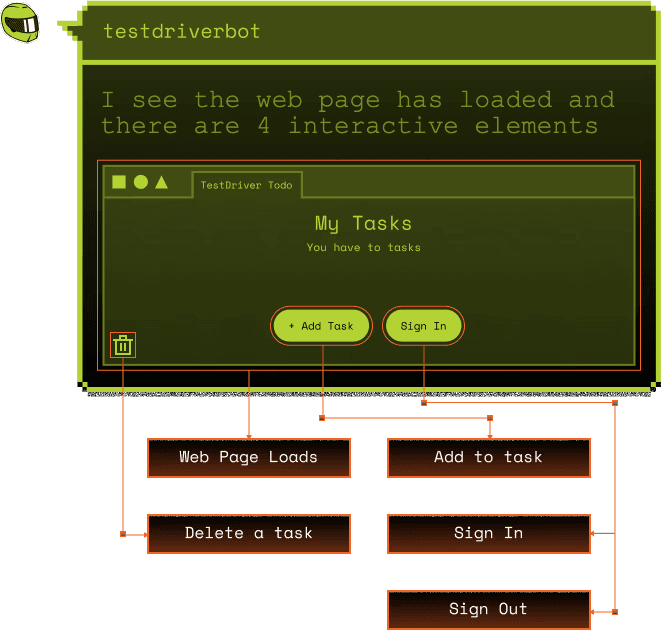
Understands what’s on screen
TestDriver maintains a cached, vision-derived representation of your UI that it uses to reason about actions and assertions across runs.
This model is continuously updated as the interface changes, enabling tests to remain stable without manual maintenance.
Detects when things move or change
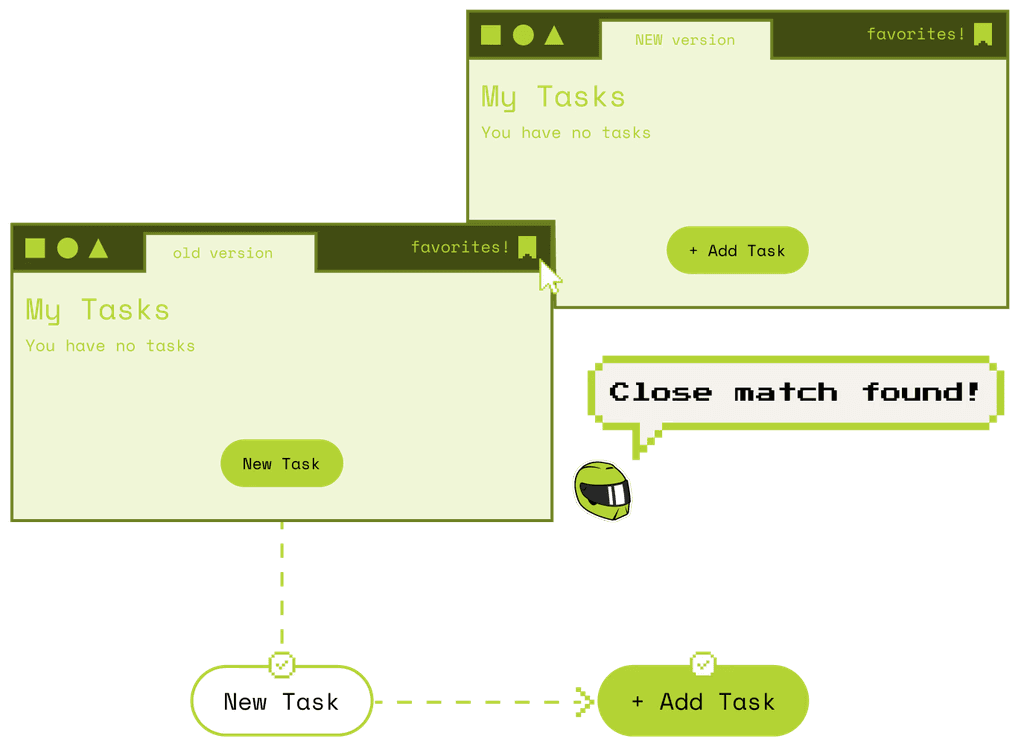
When buttons move, layouts shift, or labels change, TestDriver updates its understanding of the interface.
Small UI changes don’t require rewrites, re-recording, or selector fixes.
Tests stay bound to behavior and intent, not fragile implementation details.
Integrates into CI/CD
TestDriver fits naturally into your existing CI workflows, so test results show up where your team already works.
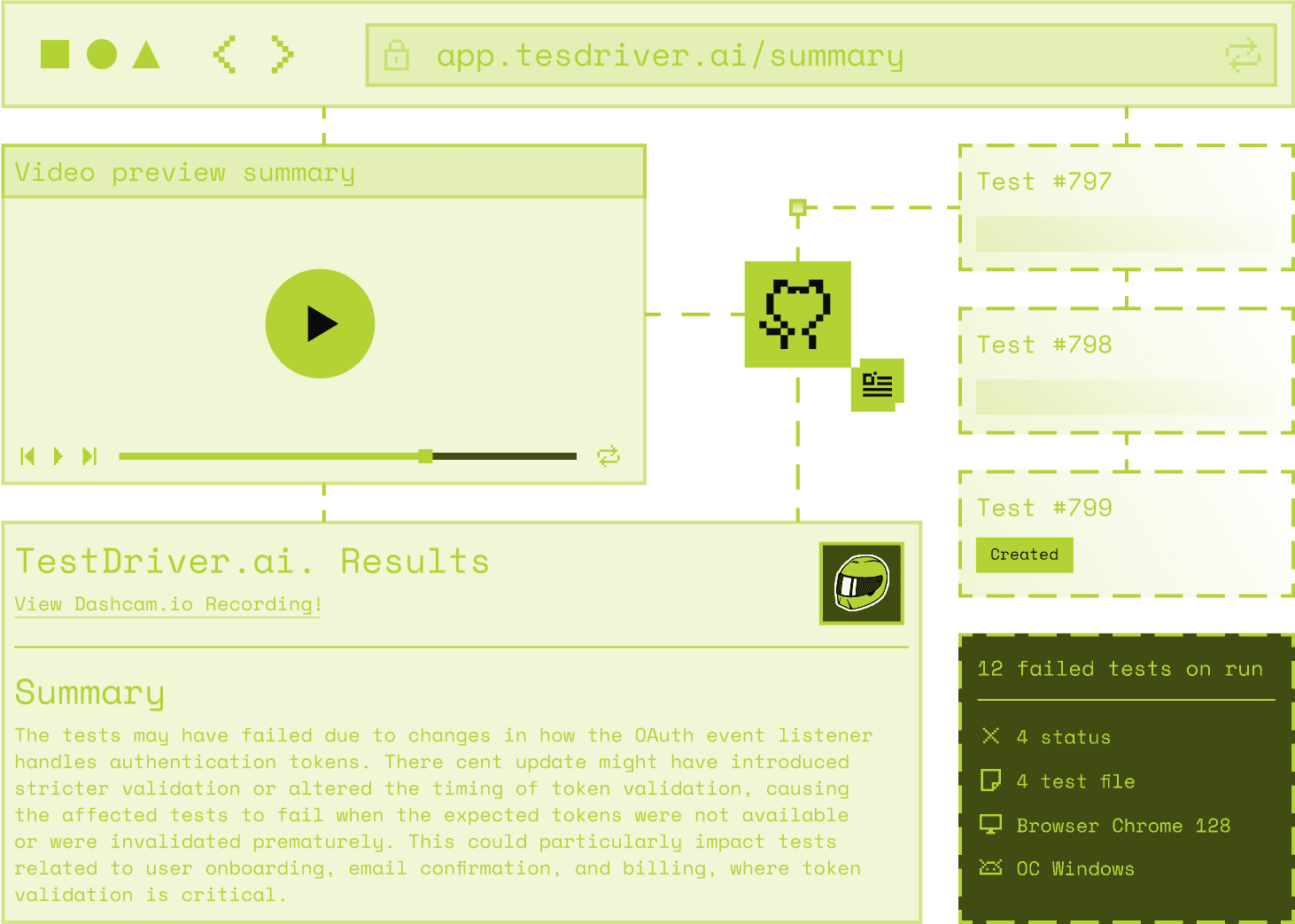
Run tests on push, pull request, deploy, or a custom schedule. Each run produces a clear outcome, backed by video, logs, JUnit XML, as well as AI summaries, so failures are easy to understand without rerunning anything locally.
Generates reports that drive action
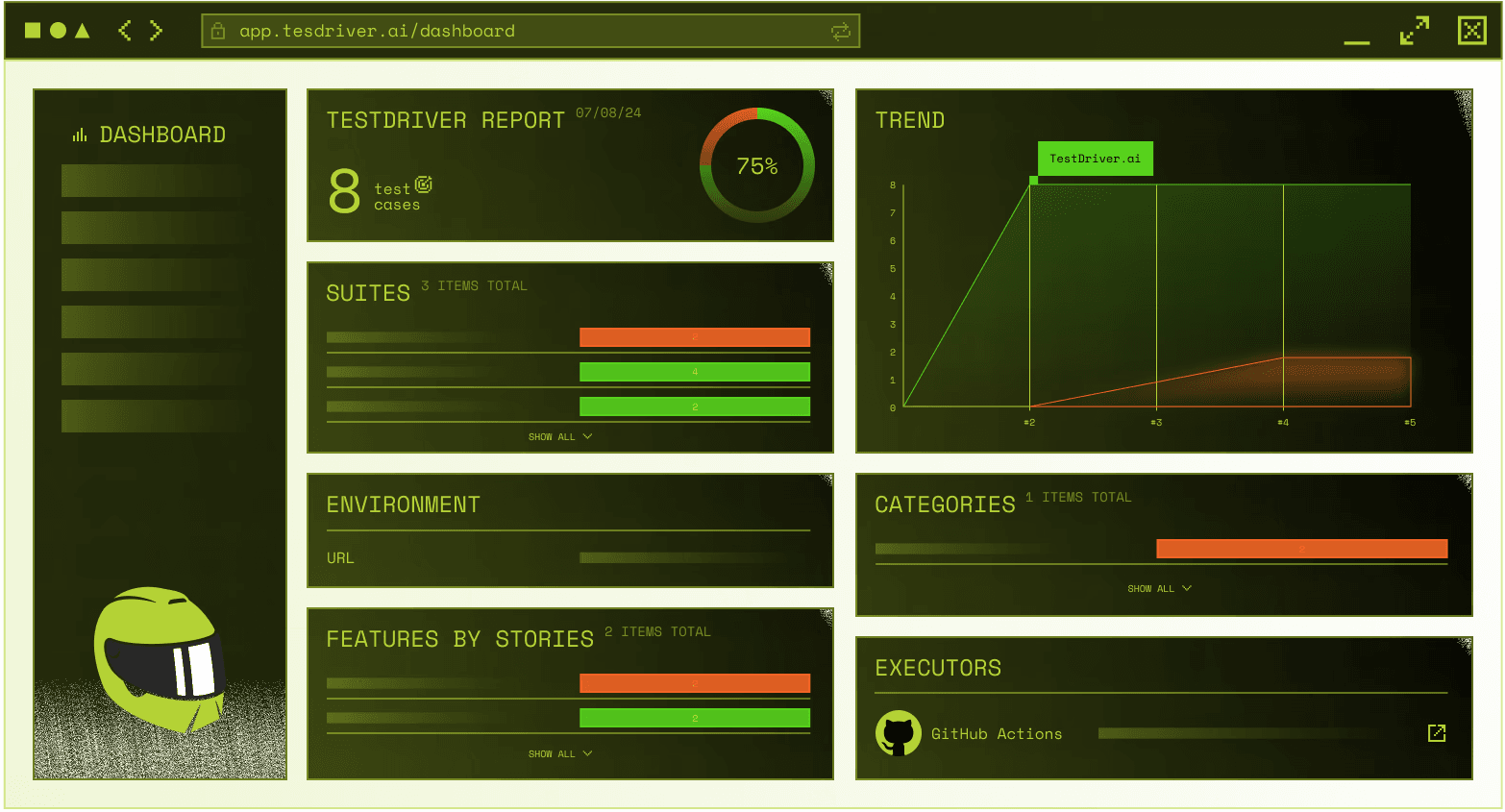
TestDriver aggregates results across runs to reveal trends in pass rates, failures, duration, and stability.
This makes it easy to spot flaky tests, recurring issues, and areas of risk before they slow development down. Instead of treating tests as a binary gate, teams can use reports to evaluate release readiness, prioritize fixes, and communicate risk clearly.
Any app. Any platform.
Modern software runs everywhere — browsers, desktop apps, operating systems, and frameworks that change constantly. Because TestDriver interacts with apps visually it isn’t limited to a specific platform, framework, or technology stack.