Top 12 No Code Test Automation Tools for 2025
Discover the top 12 no code test automation tools for 2025. Compare features, pros, cons, and pricing to find the perfect solution for your QA needs.
Automate and scale manual testing with AI ->
In today’s fast-paced development cycles, relying solely on manual testing is a recipe for delays, missed bugs, and slower releases. The shift to more reliable quality assurance is critical, and no-code test automation tools are leading the charge. These platforms empower entire teams, from QA engineers to developers and product managers, to build, execute, and maintain robust test suites without writing a single line of code.
This guide moves beyond marketing hype to provide a detailed breakdown of the top platforms available today. We’ll explore tools like TestDriver, Katalon, and mabl to help you find the perfect fit for your specific needs. Forget generic feature lists; we’re diving deep into practical use cases, honest limitations, and implementation considerations that matter for your projects.
We’ll analyze each tool’s core strengths, from AI-powered test creation to seamless CI/CD integration, ensuring you can make an informed decision. By understanding the nuances of each platform, you can accelerate releases, expand test coverage, and ultimately ship better software, faster. To further enhance your understanding of modern QA approaches, explore these 7 Quality Assurance Best Practices for AI & SaaS in 2025.
1. TestDriver
TestDriver distinguishes itself in the landscape of no code test automation tools by leveraging a powerful AI-driven approach. Instead of a visual, click-and-record interface, TestDriver uses a sophisticated QA agent that translates simple, natural-language prompts into comprehensive, executable end-to-end browser tests. This “prompt-to-test” workflow dramatically accelerates the creation of robust test suites, allowing teams to validate critical user flows without getting bogged down in manual script writing.
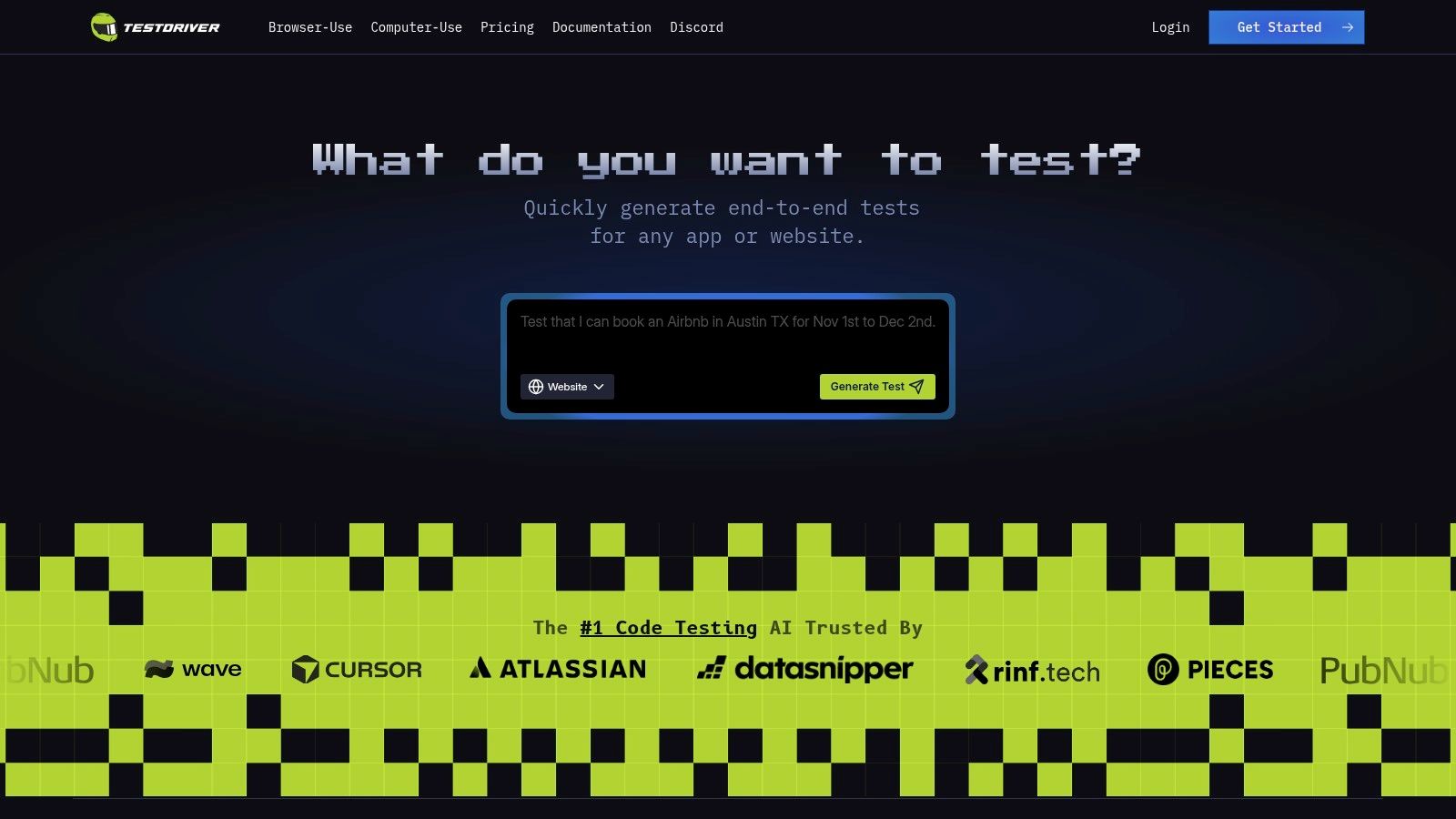
The platform is engineered for seamless integration into existing developer and QA pipelines, making it an excellent choice for teams aiming to enhance release velocity and confidence. By focusing on rapid test generation and reliability, TestDriver empowers SDETs, developers, and product teams to expand test coverage quickly and catch regressions before they impact users.
Key Highlights & Features
The platform’s strength lies in its blend of AI-powered efficiency and developer-centric transparency. It’s not just a black box; the vendor provides extensive resources to support its users.
- Prompt-Driven Test Generation: Convert plain English descriptions like “Verify a new user can sign up, log in, and add an item to their cart” directly into automated tests.
- Rapid Integration: Designed to plug into CI/CD workflows, enabling automated regression testing with minimal setup.
- Community and Transparency: An active Discord community, public GitHub repositories with examples, and a published roadmap provide unparalleled insight and support.
- Scalability for Modern Teams: Ideal for startups and agile teams needing to scale their QA efforts without proportionally increasing manual testing headcount.
Practical Assessment
While the AI-generated tests are a significant time-saver, they still require human oversight for fine-tuning, especially for highly complex edge cases or applications with non-standard web components. Prospective users should note that detailed pricing tiers and named customer case studies are not on the main product page; this information is available on a dedicated pricing page or by contacting their team.
Best For: Teams seeking an AI-native solution to rapidly generate and scale browser-based, end-to-end test coverage with minimal scripting overhead.
Website: https://testdriver.ai
2. Tricentis Tosca
Tricentis Tosca is an enterprise-grade platform that goes beyond simple UI testing, offering a comprehensive suite for end-to-end automation. Its core strength lies in its model-based approach, where it scans an application to create a business-readable model. This model serves as a central repository of reusable components, allowing teams to build and maintain tests visually without writing a single line of script. This makes it one of the more robust no code test automation tools for complex, multi-layered applications.
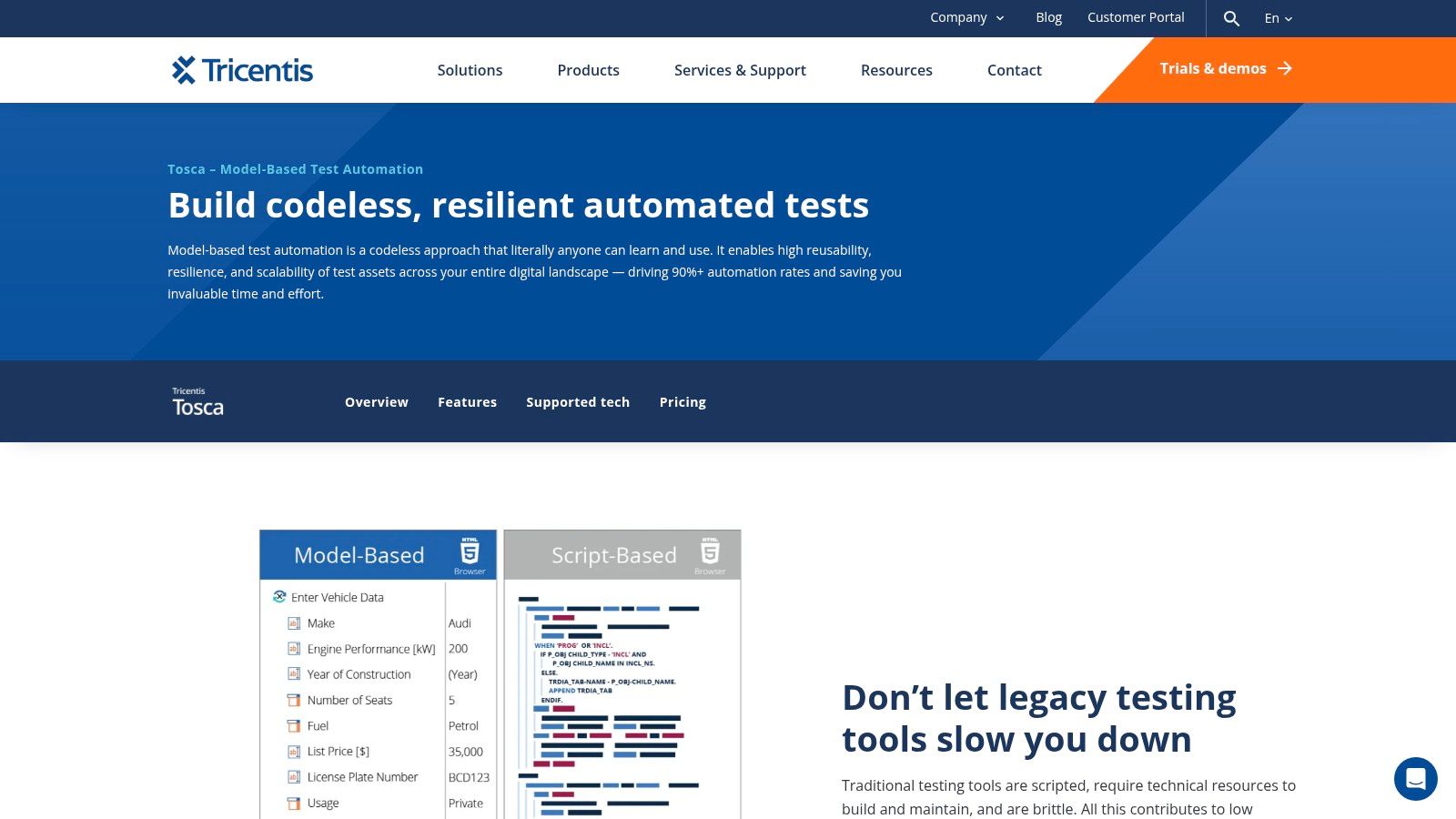
This method significantly reduces the maintenance burden that plagues traditional script-based automation. When the application UI changes, you only need to update the central model, and all associated test cases automatically inherit the fix. Its Vision AI feature further enhances resilience by identifying elements visually, even in difficult-to-automate environments like Citrix or remote desktops.
Key Details & Differentiators
| Feature | Description |
|---|---|
| Ideal For | Mid-to-large enterprises needing scalable, end-to-end testing across web, API, mobile, and packaged apps (like SAP). |
| Core Technology | Model-based test automation, Vision AI for UI recognition, and risk-based test optimization. |
| Unique Selling Point | High reusability and low maintenance via a centralized application model, reducing the impact of application changes. |
| Pricing | Custom, sales-led pricing. Geared towards enterprise budgets, so it’s not a fit for small teams or individual developers. |
| Pros | Powerful end-to-end coverage, significantly reduced test maintenance, and strong support for enterprise applications. |
| Cons | Has a steeper learning curve than simple recorder tools and the pricing model can be prohibitive for smaller companies. |
Website: Tricentis Tosca
3. Katalon Platform
Katalon Platform offers a versatile low-code and no-code automation suite that covers web, API, mobile, and desktop testing. Its strength is providing an accessible on-ramp to automation with tools like its test recorder and a keyword-driven editor, making it one of the most flexible no code test automation tools for teams at various skill levels. This approach allows non-technical users to build tests visually while giving developers an escape hatch to full-code scripting when complex logic is required.
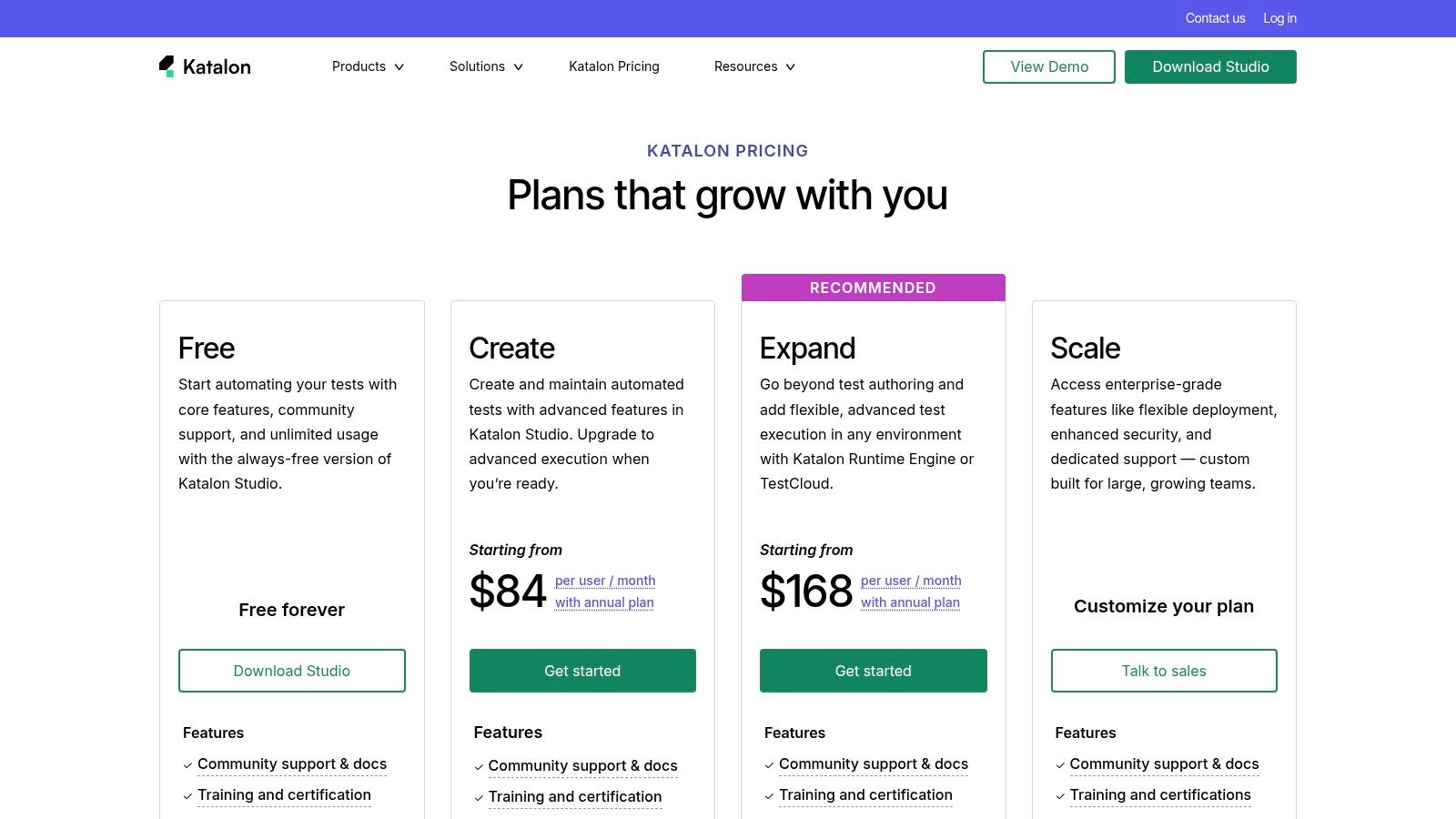
The platform is designed to scale with a team’s needs, starting from a generous free tier and expanding into a comprehensive ecosystem with Katalon Studio for authoring, TestCloud for cross-browser execution, and TestOps for analytics. This tiered structure and self-serve purchasing options make it an excellent choice for teams transitioning from manual testing or open-source frameworks who need a single, integrated solution. As a leading hybrid no-code and code tool for E2E test automation, Katalon balances simplicity with power.
Key Details & Differentiators
| Feature | Description |
|---|---|
| Ideal For | Teams of all sizes, especially those needing a unified platform for web, API, and mobile testing with a gentle learning curve. |
| Core Technology | Record-and-playback, keyword-driven testing, with an option to drop into a full-code Groovy/Java scripting environment. |
| Unique Selling Point | A single, integrated platform that bridges the gap between no-code simplicity and full-code extensibility. |
| Pricing | Transparent, tiered pricing with a free-forever plan. Self-serve checkout and AWS Marketplace options are available. |
| Pros | Broad test coverage in one solution, a generous free tier, and transparent, self-serve pricing for paid plans. |
| Cons | Advanced features and parallel execution often require paid add-ons (like TestCloud or Runtime Engine). |
Website: Katalon Platform
4. mabl
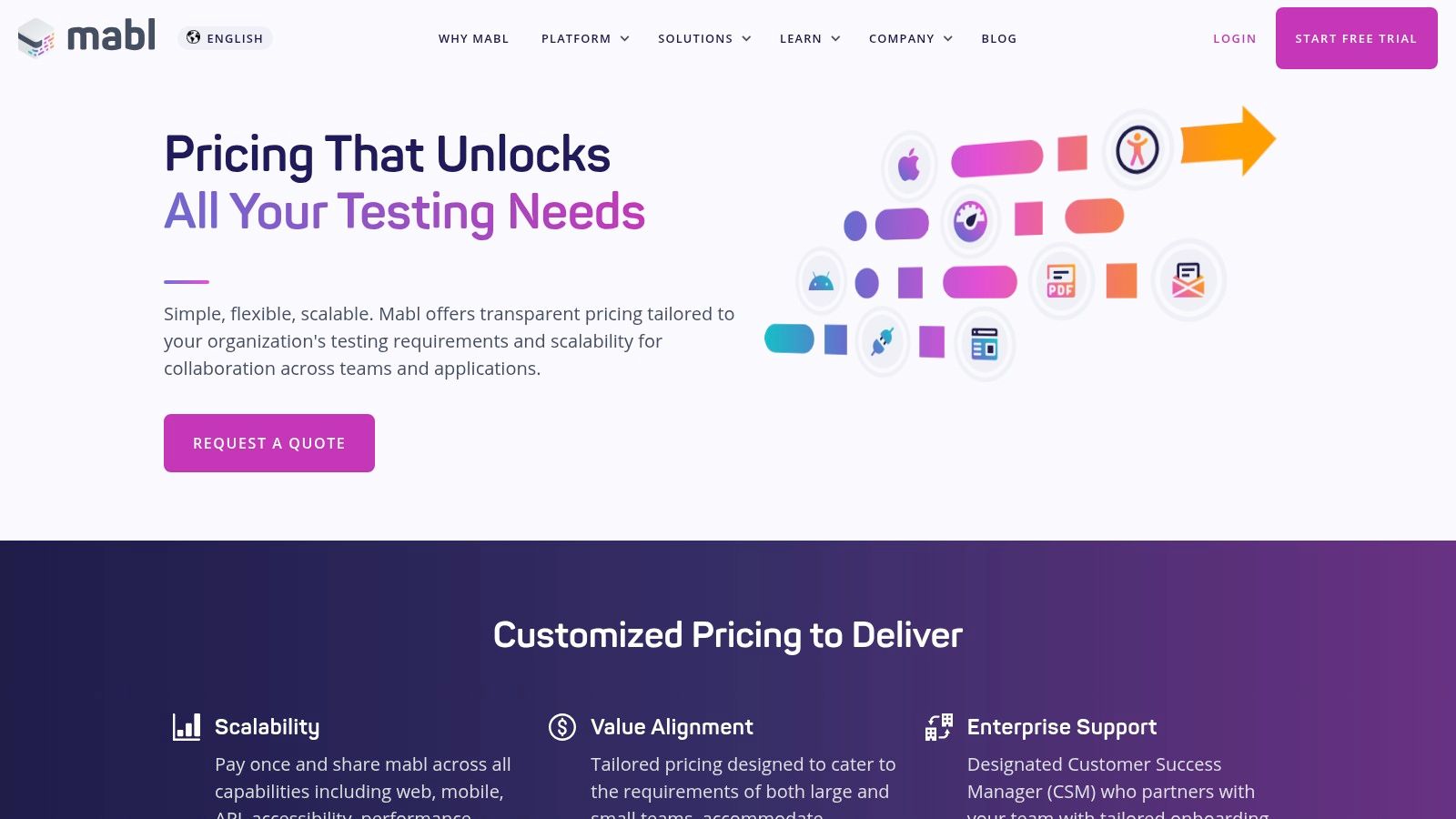
mabl is a cloud-native, low-code test automation platform that unifies multiple testing disciplines into a single SaaS solution. It empowers QA teams to build comprehensive tests covering UI, API, accessibility, and performance without deep coding expertise. Its core strength lies in its intelligent, self-healing tests, which use machine learning to automatically adapt to minor UI changes, drastically reducing the maintenance overhead common with brittle scripts. This makes it a standout choice among no code test automation tools for teams prioritizing speed and stability.
The platform further accelerates testing with Generative AI features for creating assertions, analyzing failures, and even generating new test steps. With unlimited local and CI/CD runs included in its pricing model, mabl encourages frequent testing throughout the development lifecycle. Its built-in cross-browser testing, mobile web emulation, and extensive diagnostics provide a complete picture of application quality from one central hub.
Key Details & Differentiators
| Feature | Description |
|---|---|
| Ideal For | Agile QA teams wanting an all-in-one SaaS platform for UI, API, accessibility, and performance testing with managed onboarding and support. |
| Core Technology | Cloud-native architecture, AI-powered auto-healing, and Generative AI for test creation, assertions, and failure analysis. |
| Unique Selling Point | A unified platform that consolidates multiple testing types, reducing tool sprawl and simplifying test management under one license. |
| Pricing | Custom pricing based on usage, requiring a sales quote. Licensing is geared towards professional and enterprise teams. |
| Pros | Consolidates UI, API, and other tests in one tool; AI-driven auto-healing significantly cuts maintenance; excellent onboarding and live support. |
| Cons | Requires a sales conversation to get pricing; enterprise-focused licensing may not be a fit for very small teams or individual testers. |
Website: mabl
5. Leapwork
Leapwork is a visual, flow-based platform that brings the power of automation to business users and QA teams without requiring any coding. Its core differentiator is a completely visual, flowchart-like interface where testers connect pre-built automation blocks to create test logic. This makes it one of the most accessible no code test automation tools for teams aiming to empower subject-matter experts and business analysts in the QA process, especially for complex enterprise applications.
The platform is designed for enterprise-grade challenges, offering robust integrations with CI/CD pipelines and flexible deployment options, including cloud, on-premises, and hybrid models. Its AI-powered features, like Smart Recorder and AI Vision, help reduce test maintenance by intelligently locating elements even when the application UI changes. This visual approach is highly effective; you can learn more about improving testing processes with visual flow builders to see how this methodology works.
Key Details & Differentiators
| Feature | Description |
|---|---|
| Ideal For | Enterprise teams with business testers automating workflows in applications like Salesforce, SAP, and Dynamics 365. |
| Core Technology | Visual flow-based automation using pre-built components, AI Vision for object recognition, and flexible deployments. |
| Unique Selling Point | A true no-code, flowchart-style interface that makes automation highly accessible to non-technical business users. |
| Pricing | Quote-based and customized for enterprise needs. Requires engaging with their sales team to get a detailed proposal. |
| Pros | Extremely intuitive for non-programmers, strong support for enterprise applications, and multiple deployment options. |
| Cons | Pricing is not transparent and requires sales engagement, and the seat-based model may be costly for very large teams. |
Website: Leapwork
6. testRigor
testRigor champions an approach centered on generative AI, allowing anyone to create robust end-to-end tests using plain English. This platform translates natural language instructions directly into executable test steps for web, mobile, and API automation. Its core philosophy is to empower manual testers and business analysts to contribute to automation, significantly expanding the pool of talent that can build and maintain test suites. This makes it one of the most accessible no code test automation tools for teams aiming for broad participation in QA.
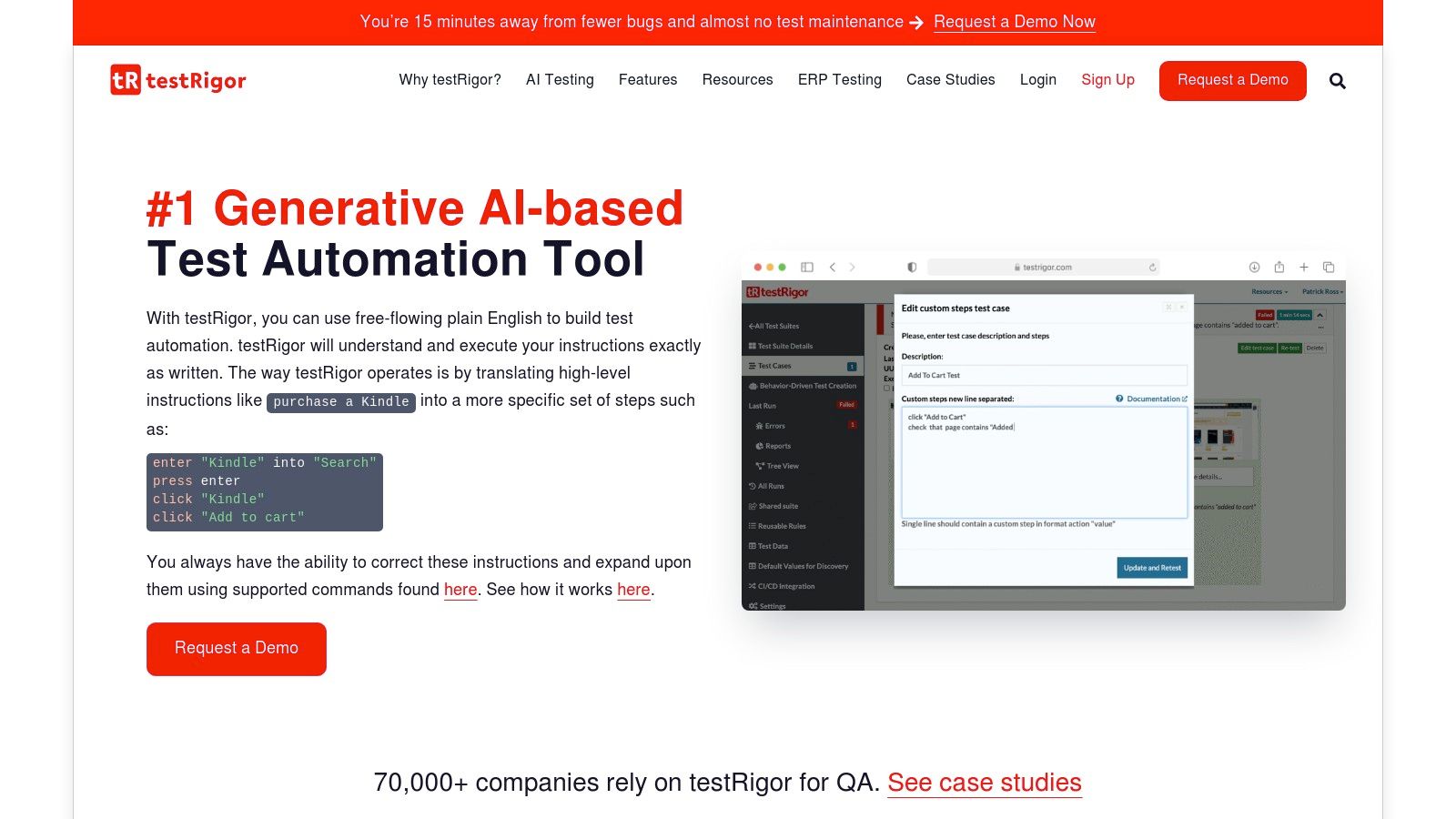
The platform’s unique pricing model, based on the number of parallel test executions rather than per-user seats, encourages widespread adoption across an organization. By removing the per-user cost barrier, entire teams can collaborate on test creation without license constraints. This BDD-friendly system is designed for speed and simplicity, with an emphasis on making test automation as easy as writing a manual test case. For more on how it compares to other AI-driven solutions, you can explore the top AI-based no-code automation tools.
Key Details & Differentiators
| Feature | Description |
|---|---|
| Ideal For | Teams with a mix of technical and non-technical members, and organizations looking to scale test authoring without per-user license costs. |
| Core Technology | Generative AI that converts plain English into executable tests for web, mobile, and APIs. |
| Unique Selling Point | The ability to write executable tests in natural language, combined with a pricing model that encourages unlimited user participation. |
| Pricing | Offers a free public tier. Private plans are priced by parallel execution capacity, not users, with specific details available via sales. |
| Pros | Extremely low barrier to entry for non-coders, pricing model supports company-wide access, and it simplifies complex test creation. |
| Cons | The free tier makes all tests publicly visible, which is not suitable for proprietary applications, and detailed pricing requires a demo. |
Website: testRigor
7. ACCELQ
ACCELQ is a cloud-based continuous testing platform that unifies test design, automation, and management in a single codeless environment. Its standout feature is its use of natural language programming, allowing users to write test logic in plain English. This approach makes automation accessible to non-technical team members and streamlines collaboration between business analysts, developers, and QA engineers. As one of the more comprehensive no code test automation tools, it covers the entire testing lifecycle, from planning to execution.
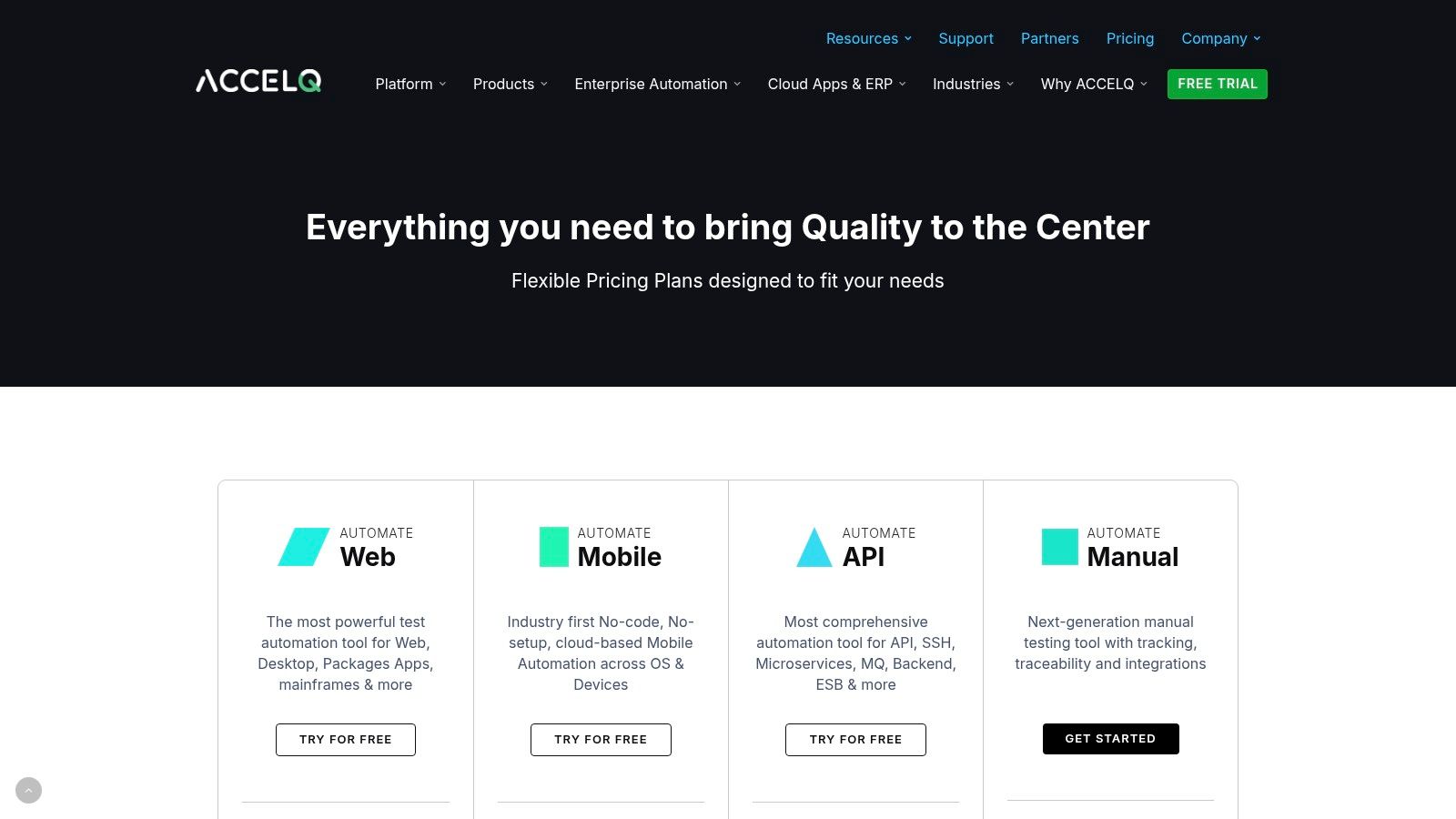
The platform is built for enterprise needs, offering support for web, API, mobile, database, and even mainframe testing. Its self-healing AI automatically adapts to UI changes, reducing maintenance efforts significantly. With deep integrations into CI/CD pipelines and tools like Jira and Azure DevOps, ACCELQ is designed to enable true in-sprint automation, where tests are built and run concurrently with development sprints.
Key Details & Differentiators
| Feature | Description |
|---|---|
| Ideal For | Enterprise teams requiring a unified platform for multi-channel testing (web, mobile, API, mainframe) and agile workflows. |
| Core Technology | Natural language abstraction, AI-powered self-healing automation, and integrated test management. |
| Unique Selling Point | A single, codeless platform that covers the entire QA lifecycle from design to execution across diverse technologies. |
| Pricing | Quote-based; requires contacting their sales team. On-premise options are available but may have minimum license counts. |
| Pros | Broad technology coverage including legacy systems, strong CI/CD integration, and flexible hosting (cloud or on-prem). |
| Cons | Pricing is not transparent and is geared towards enterprise budgets. The on-premise setup has minimum requirements. |
Website: ACCELQ
8. Ghost Inspector
Ghost Inspector offers a streamlined, browser-based approach focused on automated UI testing for websites and web applications. Its core is a simple record-and-playback browser extension that allows users to capture user journeys directly in Chrome or Firefox. These recorded tests are then stored in the cloud, where they can be executed on a schedule or triggered via an API, making it an excellent choice for continuous integration and monitoring. The platform is one of the more accessible no code test automation tools for teams wanting to quickly implement regression and smoke testing.
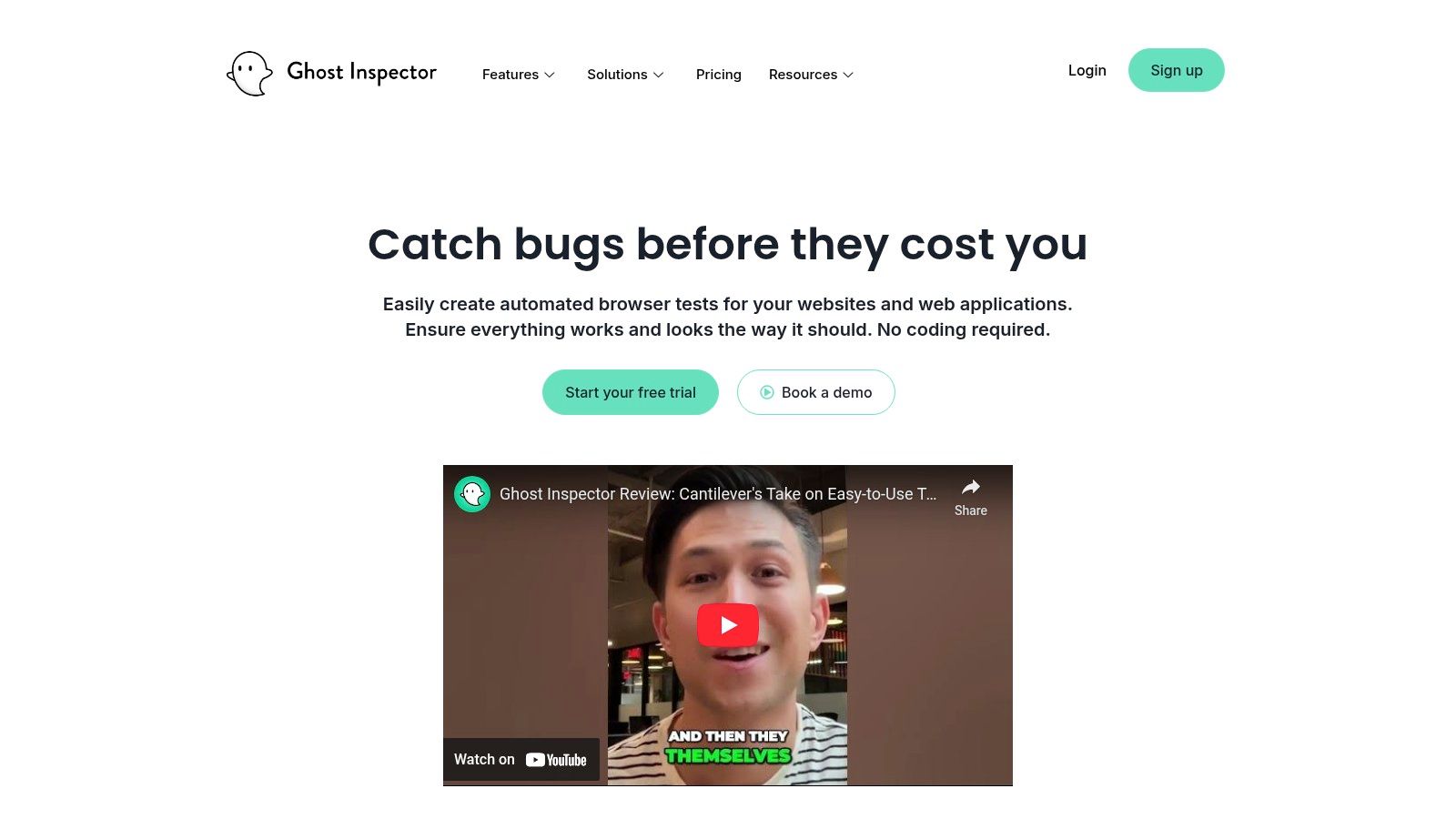
What sets Ghost Inspector apart is its simplicity and transparency. Unlike enterprise-focused platforms with opaque pricing, Ghost Inspector provides clear, documented plan entitlements for test runs and parallel executions. This makes it easy for teams of all sizes to get started and scale their testing efforts without unexpected costs. Its straightforward interface ensures a fast time-to-value, allowing even non-technical team members to create and manage valuable UI tests with a minimal learning curve.
Key Details & Differentiators
| Feature | Description |
|---|---|
| Ideal For | Startups, small to mid-sized teams, and developers needing a quick, reliable solution for web UI regression and smoke testing. |
| Core Technology | Browser extension for record-and-playback, cloud-based test execution, and visual testing with screenshot comparisons. |
| Unique Selling Point | Simplicity and transparent pricing. All plans include parallel testing, and the setup process is exceptionally fast and user-friendly. |
| Pricing | Subscription-based with a free 14-day trial. Plans are clearly defined by test run limits, starting from a free tier up to enterprise levels. |
| Pros | Very low learning curve, fast setup for web UI tests, and clear, predictable pricing plans with parallel runs included. |
| Cons | Primarily focused on web applications; not suitable for mobile, desktop, or complex enterprise system testing. Lacks advanced enterprise features. |
Website: Ghost Inspector
9. Autify
Autify is a smart, AI-powered platform designed to bridge the gap between purely codeless testing and script-based frameworks. It allows teams to create and execute tests using a simple recorder and visual editor, while also offering the unique ability to convert specific no-code steps into Playwright code. This hybrid approach makes it an excellent choice for teams that want the speed of no code test automation tools but require the flexibility to inject custom code for complex verifications or integrations.
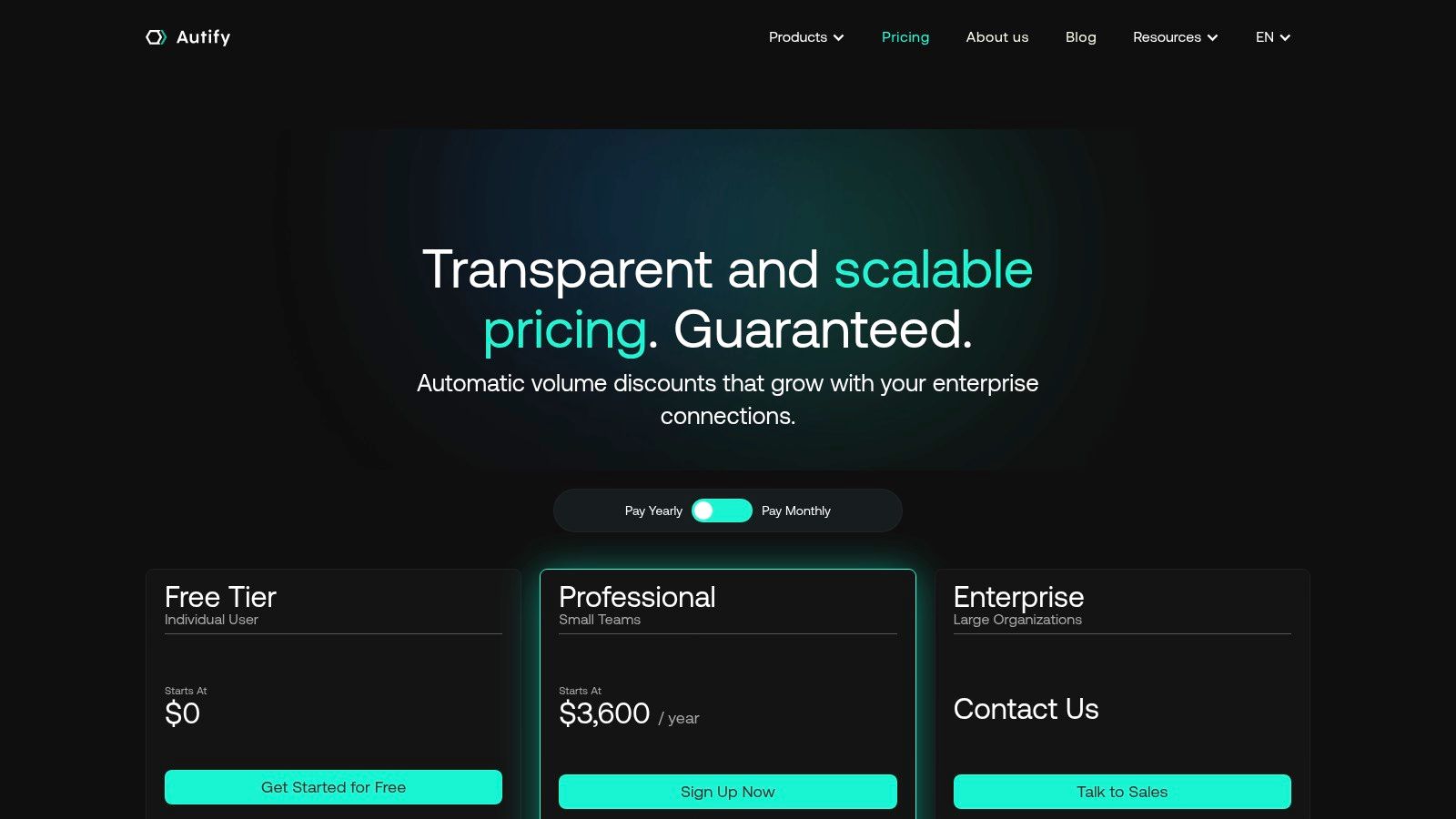
The platform’s strength lies in its maintainability, as its AI automatically adapts to minor UI changes, reducing test flakiness. Autify also provides flexibility in execution, allowing users to run tests locally on their own machines or scale up with parallel cloud execution for CI/CD pipelines. This model caters to individual developers and growing teams alike, offering a scalable path from simple no-code creation to more advanced, code-assisted automation workflows.
Key Details & Differentiators
| Feature | Description |
|---|---|
| Ideal For | Hybrid teams that blend no-code QA specialists with developers who may need to add custom Playwright code snippets. |
| Core Technology | AI-powered element locators, a visual test recorder, and a no-code-to-Playwright code conversion feature. |
| Unique Selling Point | The ability to convert no-code steps into editable Playwright code, offering a flexible on-ramp to coded automation. |
| Pricing | Offers a free tier for individuals. Paid plans are user-based with clear à-la-carte pricing for cloud parallels. |
| Pros | Supports teams mixing no-code and code, has a free single-user tier, and offers transparent pricing options. |
| Cons | Full cloud scheduling requires purchasing parallels, and some cross-browser support (e.g., Safari) is still emerging. |
Website: Autify
10. Functionize
Functionize is an AI-native, cloud-based platform that leverages generative AI to streamline test creation, execution, and maintenance. Its core is a codeless ‘Architect’ recorder that intelligently captures user flows, but its real power comes from its agentic AI, which can self-heal broken tests and even generate new ones from plain language or test plans. This makes it a strong contender among no code test automation tools for teams looking to minimize the manual effort of test maintenance.
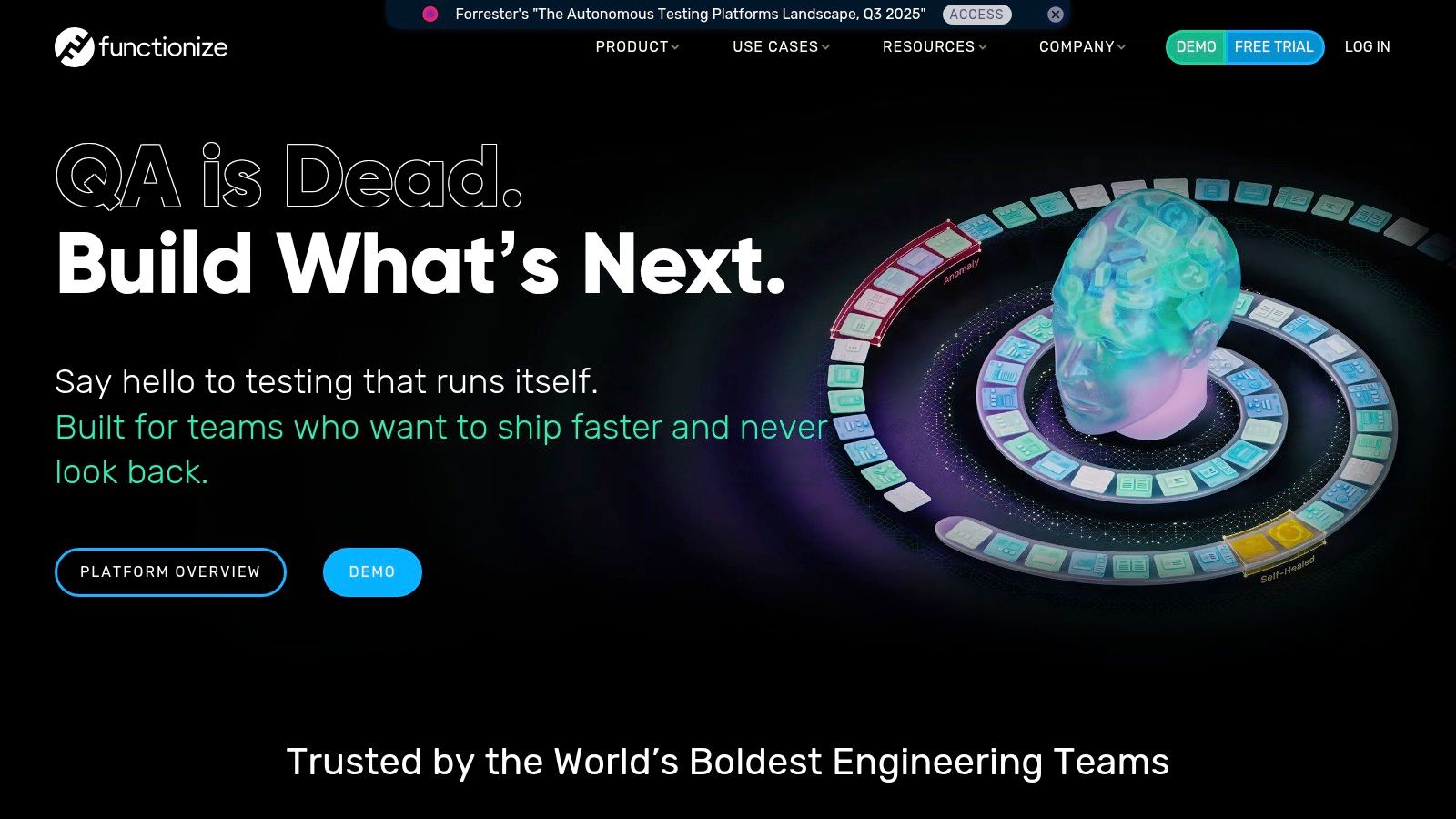
The platform is designed for enterprise-scale operations, offering massive parallel test execution in the cloud without the need to manage infrastructure. Features like live VM debugging give testers powerful tools to diagnose issues quickly. By focusing on reducing flaky tests and automating maintenance, Functionize allows QA teams to keep pace with rapid development cycles and CI/CD pipelines.
Key Details & Differentiators
| Feature | Description |
|---|---|
| Ideal For | Enterprise QA teams that need to run tests at scale and are focused on reducing the high cost of test maintenance. |
| Core Technology | GenAI-assisted test creation, smart element locators, and a cloud-native architecture for parallel execution. |
| Unique Selling Point | Advanced, self-healing AI that automatically fixes tests broken by application changes, drastically cutting maintenance. |
| Pricing | Primarily sales-led and customized for enterprise needs. A guided free trial is available to validate its capabilities. |
| Pros | Powerful AI for test maintenance and creation, scalable cloud execution, and strong CI/CD integration support. |
| Cons | Pricing is not transparent and is geared towards larger organizations, potentially excluding smaller teams or startups. |
Website: Functionize
11. Subject7
Subject7 provides a unified, codeless test automation platform that excels in complex, security-conscious environments like government and regulated enterprises. Its core value is offering a single interface for creating and executing tests across web, mobile (native and web), API, and even legacy desktop applications. This makes it a comprehensive choice among no code test automation tools for organizations needing broad coverage and flexible deployment options, including both SaaS and on-premise solutions.
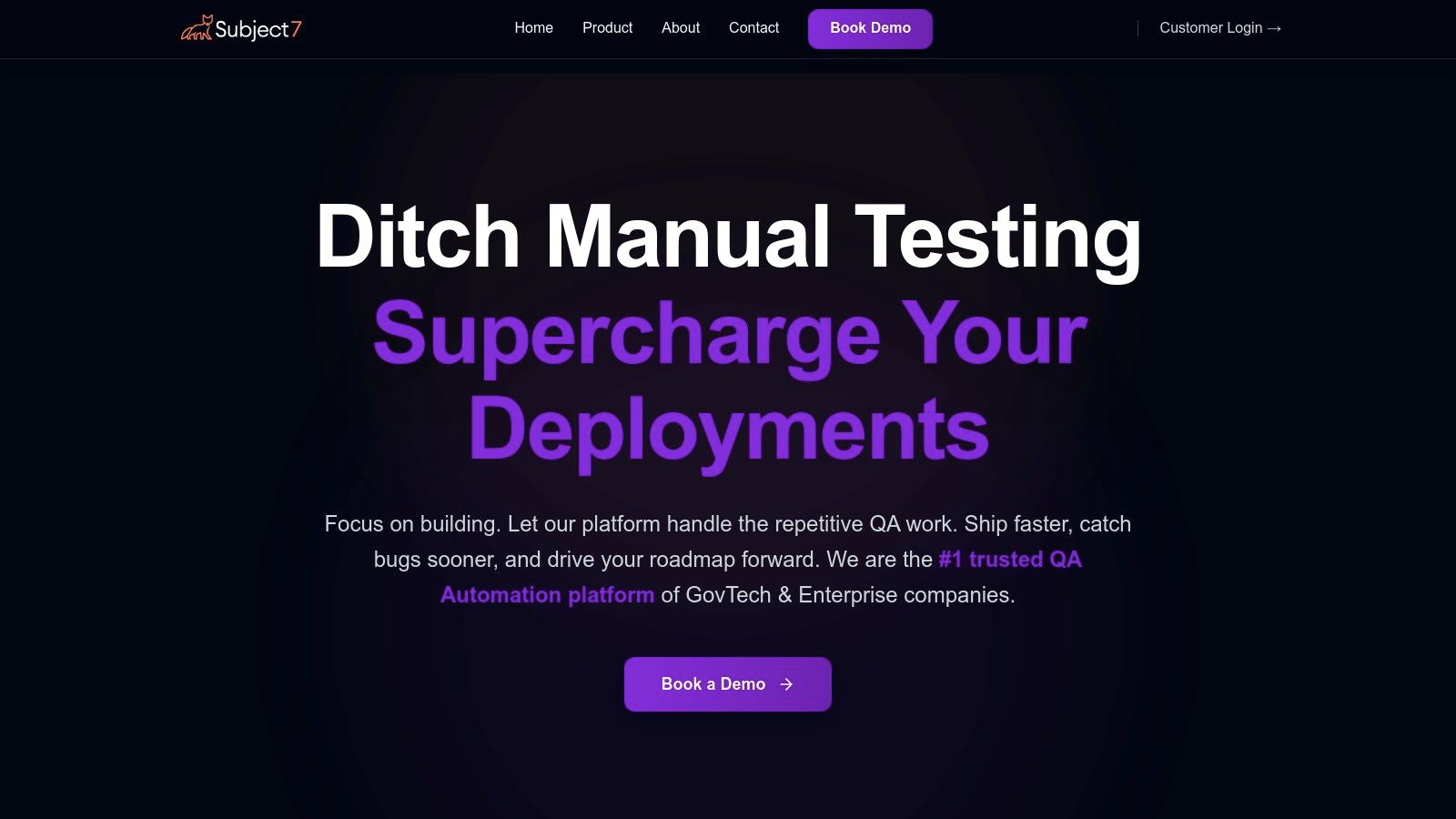
The platform uses a command-based, wizard-driven approach for test creation, allowing users to chain together actions from a library of commands. A key differentiator is its option to export test cases into open-source formats like Selenium, giving teams an exit strategy and reducing vendor lock-in. With features like parallel cloud execution and robust integrations, it supports high-velocity CI/CD pipelines while satisfying stringent enterprise security requirements.
Key Details & Differentiators
| Feature | Description |
|---|---|
| Ideal For | Government agencies, financial institutions, and large enterprises that require strong security and flexible deployment. |
| Core Technology | Unified codeless authoring for web, mobile, API, and desktop, with parallel execution in the cloud or on-premise. |
| Unique Selling Point | Enterprise-grade security (SSO/SAML/LDAP) and deployment flexibility (SaaS/on-prem), plus the ability to export to Selenium. |
| Pricing | Quote-based. Pricing is customized and requires a demo with their sales team. |
| Pros | Proven in regulated environments, flexible on-premise/cloud options, and strong, unified support for diverse platforms. |
| Cons | Pricing is not public, and its enterprise focus may make it less accessible for small teams or individual testers. |
Website: Subject7
12. Virtuoso QA
Virtuoso QA is an AI-powered platform that enables teams to write automated tests using simple, natural language. Its standout feature is live authoring, which allows you to build and execute tests in real-time directly within the browser, receiving immediate feedback as you write commands like “click on ‘Login’”. This approach significantly accelerates test creation and makes automation accessible to non-technical team members, positioning it as a powerful tool for modern web applications.
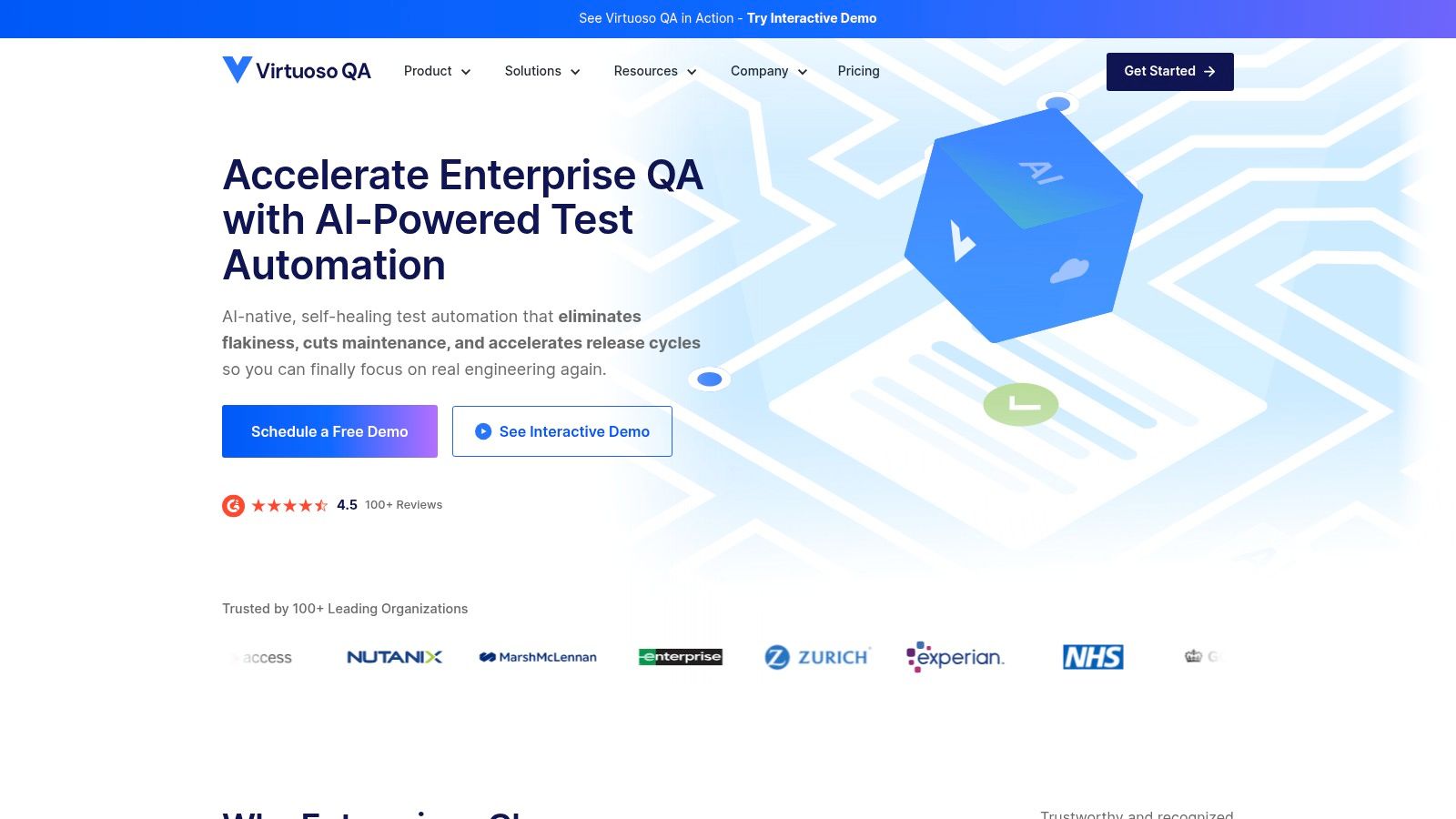
The platform is built from the ground up with AI, not just for element selection but for self-healing tests that adapt to minor UI changes, drastically reducing maintenance. Virtuoso QA also emphasizes enterprise readiness with structured onboarding, certifications, and strong integrations into CI/CD pipelines. This makes it a great choice for organizations aiming to scale their no code test automation tools with dedicated support and measurable ROI.
Key Details & Differentiators
| Feature | Description |
|---|---|
| Ideal For | Agile teams and enterprises needing a scalable, AI-driven solution for web and end-to-end testing that integrates into CI/CD pipelines. |
| Core Technology | Natural Language Programming (NLP), AI-driven self-healing tests, and live authoring in-browser. |
| Unique Selling Point | Writing executable tests in plain English and running them live as you build, combined with a strong focus on enterprise enablement. |
| Pricing | Sales-led, custom packaging based on projects, executions, and users. A demo is required; no public pricing or open free trial is available. |
| Pros | Extremely intuitive test creation, significant maintenance savings, and clear enterprise packaging with dedicated onboarding and support. |
| Cons | The sales-driven engagement and lack of a public free trial can be a barrier for teams wanting to quickly evaluate the tool independently. |
Website: Virtuoso QA
12 No-Code Test Automation Tools Compared
| Product | Core features | Quality (★) | Pricing & Value (💰) | Target & USP (👥 ✨) |
|---|---|---|---|---|
| TestDriver 🏆 | Prompt-to-test AI → executable E2E browser tests; fast integration | ★★★★☆ | 💰 Transparent community pricing; check site | 👥 SDETs, QA, devs, startups — ✨ Prompt‑to‑test workflow; public GitHub & Discord; uptime & roadmap |
| Tricentis Tosca | Model‑based codeless authoring; Vision AI; scalable cloud execution | ★★★★★ | 💰 Sales‑led enterprise pricing | 👥 Mid‑to‑large enterprises — ✨ Resilient self‑healing UI; broad enterprise coverage |
| Katalon Platform | Low/no‑code + full‑code options; TestCloud & TestOps | ★★★★☆ | 💰 Tiered plans; generous free tier & self‑serve | 👥 Teams transitioning to automation — ✨ Clear pricing; training & certifications |
| mabl | Unified UI/API/accessibility/perf testing; auto‑healing & GenAI | ★★★★★ | 💰 Quote‑based SaaS | 👥 QA teams seeking SaaS consolidation — ✨ All‑in‑one testing + strong onboarding |
| Leapwork | No‑code flow designer; prebuilt components; hybrid deployments | ★★★★ | 💰 Quote‑based (enterprise) | 👥 Business testers & enterprise apps — ✨ True no‑code flows; on‑prem/cloud options |
| testRigor | Plain‑English executable tests; parallel‑based pricing model | ★★★★ | 💰 Parallel‑capacity pricing; public free tier | 👥 Non‑coders & org‑wide use — ✨ Natural language authoring; unlimited users (paid model) |
| ACCELQ | Codeless NL authoring; integrated planning & CI; mainframe support | ★★★★ | 💰 Sales‑led enterprise pricing | 👥 Enterprises standardizing tests — ✨ Broad tech coverage incl. backend/mainframe |
| Ghost Inspector | Browser recorder + cloud execution; clear plan entitlements | ★★★★ | 💰 Clear plans; 14‑day free trial | 👥 Fast UI smoke/regression needs — ✨ Easy setup; transparent parallel runs |
| Autify | No‑code steps with Playwright export; local + cloud execution | ★★★★ | 💰 User & parallel pricing; free single‑user tier | 👥 Mixed no‑code/code teams — ✨ Convert steps to Playwright; clear a‑la‑carte pricing |
| Functionize | GenAI test creation & self‑healing; codeless recorder | ★★★★ | 💰 Sales‑led pricing | 👥 Enterprise teams reducing maintenance — ✨ AI‑native maintenance reduction |
| Subject7 | Codeless web/mobile/API + enterprise security; on‑prem option | ★★★★ | 💰 Quote‑based (enterprise/regulatory) | 👥 Regulated/government orgs — ✨ Strong security, SSO, export to Selenium |
| Virtuoso QA | Natural‑language live authoring; enterprise enablement | ★★★★ | 💰 Sales‑led; demo first | 👥 Enterprise rollouts & enablement — ✨ Live authoring; heavy onboarding & packaging |
Making Your Choice: When to Embrace AI-Powered Testing
The landscape of no-code test automation tools is vast and varied, offering powerful solutions that democratize software testing for teams of all sizes. We’ve explored a wide spectrum of platforms, from established enterprise players like Tricentis Tosca and Katalon to innovative, self-healing specialists like mabl and Functionize. Each tool presents a unique value proposition, tailored to different technical ecosystems, team structures, and quality assurance philosophies. Your ideal choice isn’t about finding a single “best” tool, but rather the one that aligns most effectively with your specific operational needs and strategic goals.
Key Takeaways for Selecting Your Tool
As you deliberate, move beyond feature checklists and focus on the practical impact on your workflow. The core decision hinges on several key factors:
- Team Skillset: Does your team consist of manual testers, business analysts, or seasoned SDETs? A platform like Leapwork with its visual flowcharts may appeal to non-technical users, while ACCELQ’s model-based approach might resonate more with teams that have a structured testing process.
- Application Complexity: Are you testing a simple SaaS application or a complex, multi-layered enterprise system with legacy components? Tools like Subject7 offer broad technology support, which is critical for intricate environments, whereas Ghost Inspector excels at straightforward browser-based testing.
- Integration Needs: How well does the tool fit into your existing CI/CD pipeline and development ecosystem? Seamless integration with tools like Jira, Jenkins, and Slack is non-negotiable for achieving true continuous testing.
- Scalability and Maintenance: Consider the long-term cost of ownership. While initial test creation may be fast, the real challenge is maintenance. Platforms that offer self-healing capabilities, like Virtuoso QA or Autify, significantly reduce the effort required to keep your test suite relevant as your application evolves.
The AI-Powered Shift in Test Automation
The most significant evolution in this space is the rise of generative AI. While many of the discussed tools incorporate AI for self-healing or element recognition, a new category of AI-powered solutions, exemplified by TestDriver, is fundamentally changing the paradigm. Instead of visually building or recording test steps, these platforms allow you to define test intent using natural language.
This represents a crucial shift from how a test is executed to what the test should achieve. This approach is ideal for teams aiming to maximize test coverage and velocity without getting bogged down in the minutiae of script creation and maintenance. It empowers developers and QA professionals to focus on defining critical user journeys, leaving the complex implementation to a capable AI agent. To better grasp the technology driving these advancements, exploring foundational materials on Understanding AI Concepts can provide valuable context on how these intelligent systems operate.
Ultimately, choosing the right no-code test automation tools requires a forward-looking perspective. Don’t just solve for today’s testing bottlenecks; anticipate tomorrow’s challenges. Whether you select a mature, feature-rich platform or pioneer an AI-native approach, the goal remains the same: to build a robust, scalable, and efficient quality engineering practice that enables your team to deliver exceptional software with confidence and speed.
Ready to experience the future of test automation? See how TestDriver uses generative AI to create and execute end-to-end tests from simple, plain-English prompts. Stop scripting and start shipping faster by visiting TestDriver to see it in action.
Automate and scale manual testing with AI
TestDriver uses computer-use AI to test any app - write tests in plain English and run them anywhere.