A Practical Guide to Data Driven Tests From Setup to Scale
Master data driven tests with our guide on setup, best practices, and CI/CD integration. Boost your test coverage and build more reliable software.
Learn triage in software to quickly classify bugs and incidents with proven workflows and playbooks that boost response times.
Automate and scale manual testing with AI ->
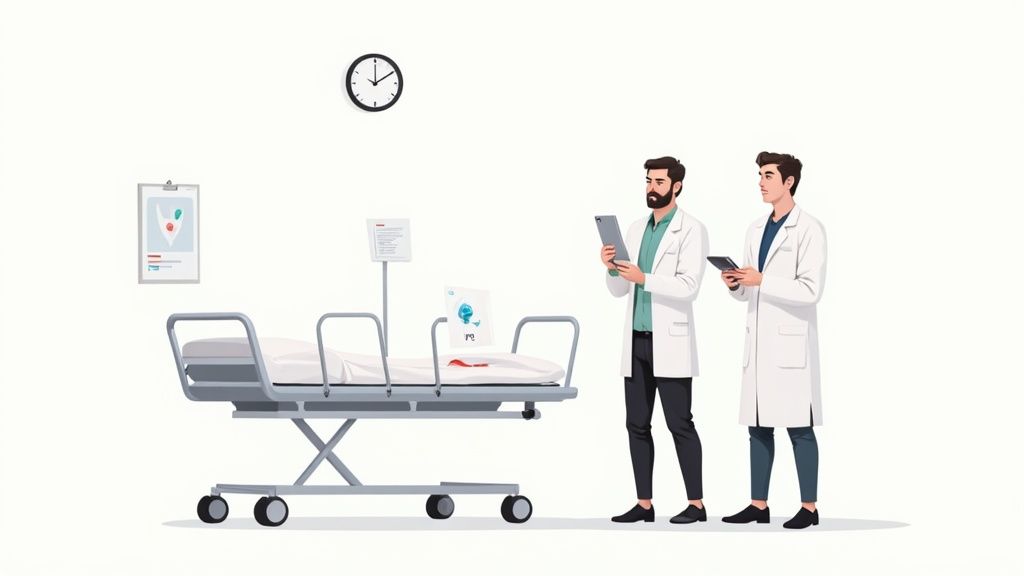
Picture this: your software has an emergency room. When a new bug, incident, or feature request comes through the door, you can’t just treat them in the order they arrived. That’s where software triage comes in, it’s the critical process of quickly assessing each issue to decide what needs immediate attention.
Just like a triage nurse in a hospital, this disciplined approach ensures your development team focuses its limited time and energy on the problems that matter most.
Software triage is simply the system you use to sort, categorize, and prioritize incoming technical issues. It helps you figure out the urgency and impact of each ticket, moving your team away from a chaotic “first-in, first-out” queue and toward a much more strategic way of managing the workload.
Without a solid triage process, critical bugs can easily get buried under a mountain of minor cosmetic fixes. This leads to frustrated users, a poor product experience, and a stressed-out development team.
Ultimately, the goal is to bring order to the natural chaos of software development. It’s not just about squashing bugs; it’s about making deliberate, defensible decisions on what to fix, when to fix it, and who is the right person for the job.
A good triage process is guided by a few core objectives that keep everyone aligned.
By applying a structured triage process, teams can cut through the noise, improve their focus, and prevent developer burnout. It transforms the backlog from a source of stress into a well-organized plan of action.
This systematic approach isn’t unique to software; it mirrors prioritization methods used in other critical fields. For a deeper look into the broader framework that includes software triage, it’s worth exploring the principles of IT Service Management (ITSM).
The need for efficient prioritization is universal. The global market for triage systems, mostly driven by healthcare, was valued at USD 2.51 billion in 2024 and is expected to more than double by 2035. This just goes to show that whether you’re managing patient health or application health, a solid triage process is fundamental to success.
While “bug triage” and “incident triage” might sound similar, they deal with fundamentally different situations. It all boils down to one simple truth: not all technical problems are created equal. Some are quiet, smoldering issues that slowly erode product quality, while others are raging fires burning down your production environment right now.
Think of bug triage as your product’s regular, scheduled health screening. It’s a proactive process where your team calmly sits down to review, categorize, and prioritize a list of known, non-critical defects. The goal isn’t to drop everything and fix a minor UI glitch, but to maintain the long-term health and stability of the software by methodically slotting fixes into the development roadmap.
Now, incident triage is the complete opposite, it’s the emergency room. This is a reactive, high-stress process that kicks in when something critical breaks in your live, production environment. When your app is down or a core feature stops working for thousands of users, you’re dealing with an incident. The only thing that matters is speed: mitigate the damage, restore service, and get things stable again, fast.
Bug triage meetings are planned and methodical. It’s where a team might look at a report about a button being misaligned on a less-visited screen. It’s a real bug, sure, but it isn’t stopping anyone from using the app. The team can calmly assess its severity, estimate the fix, and decide to tackle it in a future sprint. No big deal.
Incident triage is the “all hands on deck” alarm bell. Imagine your e-commerce site’s checkout process suddenly failing for every single customer. No one can buy anything. You don’t wait for a meeting next Tuesday. An on-call team is scrambled instantly, a war room is opened, and the singular focus is on a rapid resolution. The priority is to stop the bleeding, even if it means rolling back a feature or applying a temporary hotfix.
Incident triage is all about immediate service restoration, even if the fix isn’t perfect. Bug triage, on the other hand, is about delivering sustainable, high-quality fixes that align with the product’s long-term vision.
Let’s break down the key differences in a more direct way.
This table offers a side-by-side look at the two disciplines to help clarify where one ends and the other begins.
| Characteristic | Bug Triage | Incident Triage |
|---|---|---|
| Trigger | A new, non-critical bug is reported. | A critical system failure in production. |
| Pace & Urgency | Proactive and scheduled. Low to medium urgency. | Reactive and immediate. High to critical urgency. |
| Primary Goal | Maintain a healthy backlog and improve long-term product quality. | Restore service and minimize user impact as quickly as possible. |
| Environment | Usually occurs in development or staging environments. | Always occurs in the live production environment. |
| Participants | Product managers, QA engineers, developers. | On-call engineers, SREs, incident commanders. |
| Success Metric | A well-prioritized backlog and a clear roadmap for fixes. | Mean Time to Resolution (MTTR) and service stability. |
| Process Focus | Analysis, prioritization, and scheduling. | Diagnosis, mitigation, and communication. |
Understanding this distinction is crucial. It dictates who gets paged at 3 AM, how quickly they need to act, and what “fixed” actually means. One process is about careful stewardship of your product; the other is about expert firefighting. Getting it right prevents your team from treating minor cosmetic bugs like five-alarm fires, or worse, letting a critical outage fester because you treated it like just another ticket in the backlog.
A solid, repeatable process is what separates a chaotic, overflowing issue queue from a manageable, prioritized action plan. Think of your triage in software workflow as the team’s playbook, it’s how you consistently tackle what truly matters without letting anything slip through the cracks.
By breaking the process down into five clear stages, you can make sure every single report gets the right amount of attention.
It all starts the moment a new issue lands in your system. The first goal is simple: gather high-quality information. A vague report like “the feature is broken” is a dead end, forcing a frustrating game of email tag just to figure out what’s going on.
To fix this, get your users to fill out standardized bug report templates. These should be non-negotiable and ask for:
A well-documented ticket is the bedrock of an efficient triage process. This is also your first chance to weed out duplicates, which can be a huge time-waster. Check out our guide on how to effectively manage duplicate bug reports to get this step right.
Okay, you’ve got a ticket with all the details. Now what? Someone has to confirm it’s a real, legitimate bug. This is usually a job for a QA engineer or a developer on a rotating triage duty. They’ll follow the reporter’s steps and try to make the bug happen again.
This is a critical checkpoint. If they can reproduce it, the ticket moves forward. If not, it gets kicked back to the reporter for more information. This step is crucial for shielding the engineering team from chasing down “ghost” bugs that were just one-time glitches or user error.
While both bug and incident triage follow this general structure, they operate at very different speeds and with different endgames.
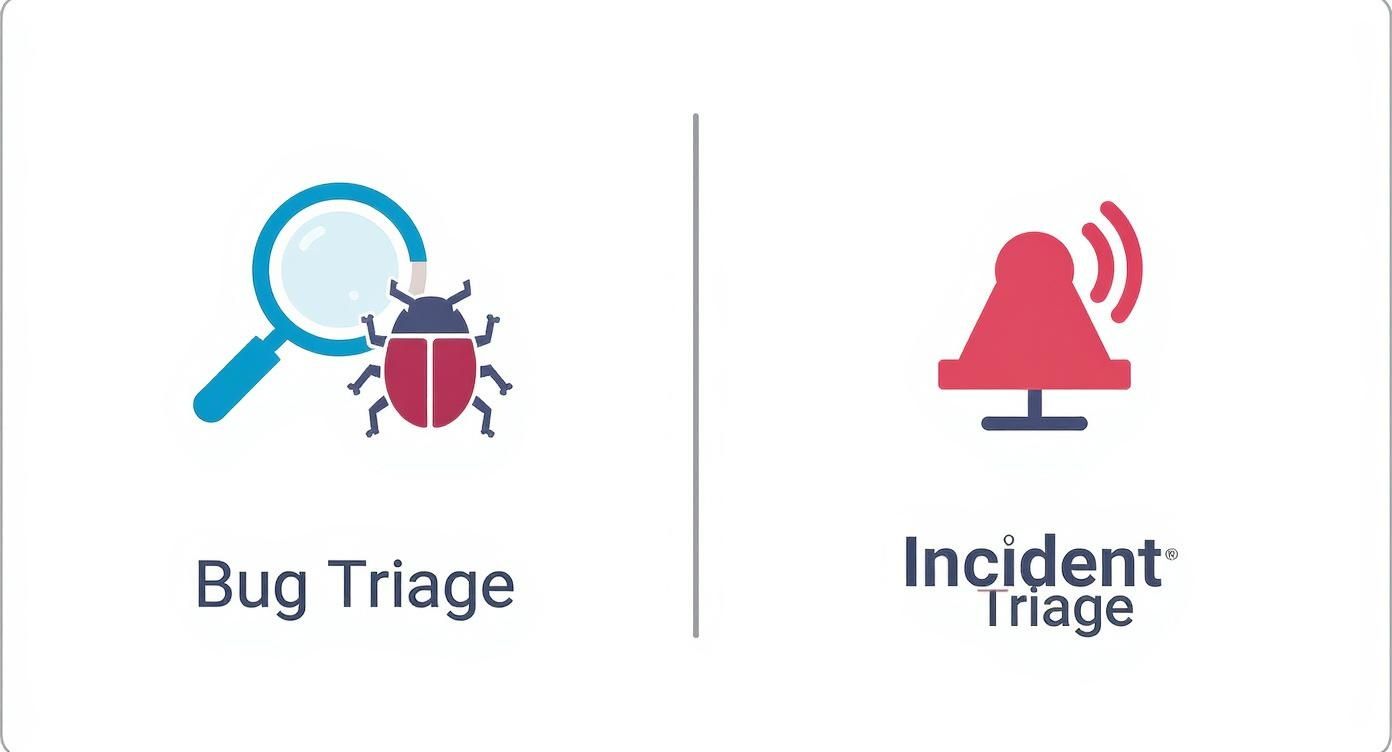
As you can see, bug triage is a methodical, ongoing effort to maintain a healthy backlog. Incident triage, on the other hand, is an all-hands-on-deck emergency response to get a critical service back online.
Once a bug is verified, the team has to figure out how much it matters. Using a prioritization matrix, you’ll assign a severity (how bad is the technical impact?) and an urgency (how much does this hurt the business?). This decision dictates where the ticket lands in the development queue.
With its priority set, the ticket is assigned to the right team or developer who has the expertise to handle it.
Now, the assigned developer gets to work on a fix. Communication is everything during this stage. The ticket needs to be kept up-to-date with progress notes, and for high-priority issues, stakeholders should be kept in the loop.
Once the fix is coded and properly tested, it’s ready to be deployed.
The final step is to formally close the ticket. This isn’t just a formality. It involves checking back with the original reporter to confirm the problem is truly solved and adding any last-minute notes for future reference.
This last part is key to building trust in your process and making sure everyone feels heard. The value of this kind of structured workflow is catching on; the U.S. triage system market is on track to hit USD 1.86 billion by 2033. You can discover more insights about digital triage adoption and see just how widespread this practice is becoming.
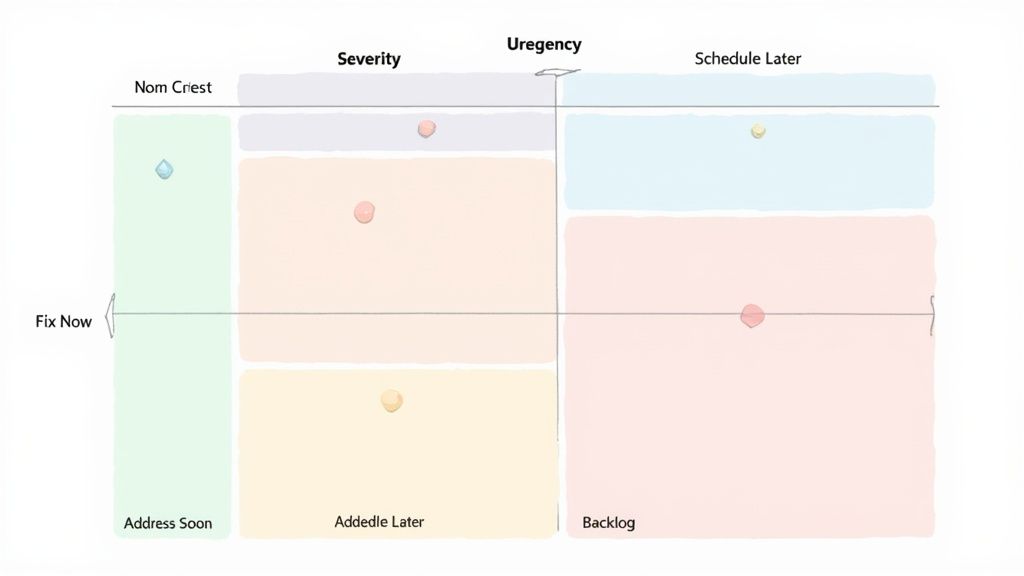
Great triage in software is all about moving away from gut feelings and toward structured, defensible decisions. Let’s be honest, when everything feels important, you need a clear framework to tell the difference between a true crisis and a minor annoyance. The best tool for the job is a priority matrix.
At its heart, a priority matrix is a simple grid that helps you plot issues against two key factors: severity and urgency. This visual method cuts through the noise and forces your team to evaluate every incoming ticket using the same logical standard.
A priority matrix isn’t just a sorting tool; it’s a communication device. It gives product managers, QA analysts, and engineers a shared, objective language to talk about what matters most, which goes a long way in reducing friction and aligning everyone on the next steps.
To make the matrix work, everyone on the team has to agree on what the axes actually mean. While the exact definitions can shift a bit from company to company, here’s a solid way to think about them:
Getting this distinction right is crucial. You could have a high-severity bug (like a nasty database connection error) that has very low urgency because it only happens on an internal admin dashboard that’s used once a quarter. On the flip side, a low-severity display glitch could be incredibly high-urgency if it’s messing up the homepage of your e-commerce site during a Black Friday sale.
For a deeper look at this, check out our complete guide on effective strategies for prioritizing bugs in software testing.
Once you plot an issue on the grid, it naturally falls into one of four quadrants. Each one comes with a clear, pre-agreed action plan, so there’s no guesswork.
Even with a perfect workflow on paper, triage is a deeply human process. And that’s where things can get messy. A well-designed system can quickly fall apart if teams aren’t aware of the common traps that can derail the whole operation.
Spotting these pitfalls is the first step toward building a triage culture that actually works.
One of the biggest culprits is priority inflation. This is the classic “everything is an emergency” syndrome. It happens when every new bug gets slapped with a P0 label, usually because the loudest voice in the room wins. The result? Developers burn out chasing every shiny new problem, and the backlog becomes a meaningless list where nothing is truly important because everything is.
Then there’s the silent killer: the ghost backlog. You know the one. It’s a graveyard of issues that were carefully logged, triaged, and then… nothing. They just sit there, gathering digital dust, never scheduled to be fixed. It gives a false sense of control, but all those lingering problems slowly erode team morale and, eventually, your users’ trust.
Finally, watch out for analysis paralysis. This is when your triage meeting grinds to a halt in endless debate. Teams can get so lost in the weeds, arguing over the subtle differences between a “high” and “critical” severity bug, that they never actually make a call. The issue stays in limbo, blocking any real progress.
So, how do you steer clear of these traps? Here are a few practical moves:
Triage is all about making decisive choices with the information you have right now. The goal isn’t perfect, exhaustive analysis. It’s about smart prioritization that keeps the team focused on what matters most.
These challenges aren’t just for software teams. The emergency room triage market, which was valued at an astounding USD 3.14 billion in 2024, leans heavily on software to enforce consistent, high-stakes decision-making. It’s a powerful reminder that whether you’re in a hospital or a tech company, avoiding these common pitfalls is what separates chaos from effective outcomes. You can discover more insights about the ER triage market to see just how critical these standardized workflows are in any field.
https://www.youtube.com/embed/x2ghX_RyHG4
As your software scales, so does the flood of incoming bug reports and incidents. What started as a manageable manual triage process for a small team quickly turns into a major bottleneck. Response times drag, and both your users and engineers get frustrated.
To keep your head above water, you need to start thinking about automation as a force multiplier. This isn’t about replacing your team’s critical thinking, it’s about augmenting it. By automating the tedious, repetitive parts of triage, you free up your engineers to focus their brainpower on solving the genuinely tough problems.
The good news is you don’t need to rip and replace your entire workflow to get started. You can begin with small, high-impact changes that deliver value right away.
billing and e-commerce. Simple, but it saves a ton of manual sorting.Let’s be honest: one of the biggest time-sinks in triage is just trying to reproduce the bug. It can be a frustrating and lengthy process. Fortunately, modern tools are fundamentally changing this by automating the creation of reliable, end-to-end tests.
Tools like TestDriver let your team generate complete test cases from simple, plain-English descriptions of the problem. This slashes the time spent manually clicking through a dozen steps just to confirm a bug is real.
When you can turn a bug report into an executable test almost instantly, you do more than just validate the issue faster. You also create a permanent regression test that ensures the same bug never comes back. This is how you shift triage in software from being a purely reactive firefight into a proactive, quality-building engine.
Even the best-laid plans run into real-world questions. When you start putting a software triage process into action, a few common queries always seem to pop up. Here are some quick answers to help your team get it right.
Think of it like assembling a rapid response team. You need a product manager who can speak for the business and the user, a QA lead who knows the testing history, and at least one engineering lead who can size up the technical lift. The whole point is to get all the right perspectives in one room (or video call) to make smart decisions without a lot of back-and-forth later.
On a smaller team, this might just be the product owner and the lead dev hashing it out.
The honest answer? It depends on how many issues you’re juggling. For bug triage, a good starting point is once or twice a week. If you’re a fast-moving team with a high volume of reports, a quick daily huddle might work even better.
Just remember, incident triage doesn’t get a calendar invite. It happens the moment a critical production issue flares up.
Time-to-resolution is great, but the real MVP of triage metrics is time-to-first-action, sometimes called time-to-triage. This tells you exactly how long an issue languishes in the backlog before anyone even looks at it, assesses it, and assigns it a priority.
A low time-to-triage means you have a responsive, well-oiled machine. It’s the clearest sign that critical problems aren’t falling through the cracks. It proves your team isn’t just a bug-collecting machine but is actively tackling issues from the second they land on your plate.
You can supercharge your triage process by automating the biggest time-sink: reproducing the bug. With TestDriver, your team can generate complete, end-to-end tests from a simple bug report. Turn vague descriptions into verifiable test cases in minutes, not hours.
Stop wasting valuable engineering time trying to manually recreate issues. See how AI-powered test generation can reshape your entire QA workflow at https://testdriver.ai.
Master data driven tests with our guide on setup, best practices, and CI/CD integration. Boost your test coverage and build more reliable software.
Explore the real differences in automation vs manual software testing. This guide covers when to use each, ROI, and how to build a winning hybrid strategy.
Discover metrics for qa that reveal how testing adds value, not cost, with actionable insights and clear improvement paths.
Build a reliable strategy for automated regression tests. Learn to prevent bugs, speed up releases, and integrate testing seamlessly into your CI/CD pipeline.
TestDriver runs every pull request in a real desktop sandbox, finds bugs, and builds regression tests - right from your repo.