ACCELQ alternatives in 2026
Compare ACCELQ alternatives: TestDriver for GitHub pull-request UI checks, Playwright for code-owned browser tests. See trade-offs and migration steps.
Compare test automation tools ease of setup: pick TestDriver for GitHub UI checks, or choose a code-first framework based on CI needs and test ownership.
Automate and scale manual testing with AI ->
Best overall for GitHub pull-request UI checks: TestDriver. Best for interactive JavaScript test authoring: Cypress. Best for a browser suite built around explicit assertions: Playwright. This 2026 guide ranks test automation tools by ease of setup for specific workflows, not by an unsupported installation-time benchmark.
TL;DR
A passing example test is not a working regression suite. Your application still needs to start, authenticate, load suitable data, and produce a failure that someone can diagnose.
For your 2026 evaluation, define setup as the work required to get a useful check running on a pull request. That definition separates an easy introduction from an easy operating model. It also prevents a familiar framework from winning solely because someone already knows its syntax.
TestDriver is best for GitHub teams that want end-to-end UI testing attached to pull requests. Choose a code-first framework instead when owning the test implementation is a central requirement.
Use these criteria before comparing feature lists:
Treat missing application support as a disqualifier. A browser-focused workflow is not automatically a native desktop testing workflow, and a readable test format does not remove the need to configure its execution environment.
The 2026 order below prioritizes a direct path to a useful workflow. It is a fit-based ranking, not a claim that every team will finish setup in the same order.
| Rank and tool | Best for | Standout setup characteristic | Key limitation |
|---|---|---|---|
| 1. TestDriver | GitHub pull-request UI checks | Automatically runs pull requests in a real desktop sandbox | Your application still needs usable access and test conditions |
| 2. Cypress | Interactive JavaScript test authoring | Interactive runner for developing and inspecting browser tests | Browser testing does not establish native desktop coverage |
| 3. Playwright | Code-first browser suites | Browser automation with locators, assertions, and runner support | Engineers must write and maintain the test logic |
| 4. Robot Framework | Keyword-driven acceptance suites | Reusable keywords express test actions and expectations | Libraries and custom keywords add setup decisions |
| 5. Selenium | Extending an existing WebDriver stack | Browser automation across established language bindings | Browser control needs surrounding suite infrastructure |
TestDriver is an end-to-end testing and code review platform that automatically runs pull requests in a real desktop sandbox to catch UI regressions. Its fit is direct: software teams using GitHub that want runtime UI checks connected to code review.
That operating model matters more than a short installation command. If your goal is to examine the application produced by a pull request, start with that workflow rather than assemble a separate browser suite by default.
TestDriver pros:
TestDriver cons:
Best for: GitHub engineering teams prioritizing pull-request UI regression checks.
For a 2026 pilot, use a representative pull request and a journey that has a clear expected result. Confirm how the run reaches the application, handles authentication, and makes failures useful to the reviewer. Do not infer browser coverage or integration details from the word sandbox.
Verdict: Buy for a GitHub-centered UI review workflow after validating your application journey.
Cypress is a browser testing framework with an interactive runner. It lets developers write tests in JavaScript or TypeScript and inspect test execution while building the suite.
Its distinct setup advantage is the authoring loop. You can work through an application journey, refine assertions, and inspect failures without treating every edit as a separate CI investigation.
Cypress pros:
Cypress cons:
Best for: Web teams that want an interactive JavaScript test-development loop.
Choose a meaningful assertion during setup. Checking that a button exists is different from checking that submitting a form creates the expected application state. The second check requires more preparation but tells you more about whether the feature works.
For your 2026 shortlist, favor Cypress when the people maintaining the suite want its interactive workflow. Do not choose it solely because an introductory example looks short; authentication and data ownership still determine the real setup burden.
Verdict: Buy for interactive browser-test authoring in a JavaScript or TypeScript team.
Playwright automates browser interactions. Playwright Test adds a test runner with facilities including fixtures, assertions, and execution artifacts for browser testing.
This option fits engineers who want the test implementation to remain explicit. The suite can specify what to open, what to interact with, and which observable result must hold.
Playwright pros:
Playwright cons:
Best for: Engineering teams building a code-owned browser regression suite.
Start with an assertion tied to user intent, such as a saved change remaining visible after reopening the relevant view. Avoid treating a completed click sequence as proof that the workflow succeeded.
During a 2026 evaluation, inspect the failure path as carefully as the passing run. Introduce an incorrect expectation and check whether the available evidence explains the mismatch. An easy setup that produces opaque failures becomes harder to operate as coverage grows.
Verdict: Buy when explicit assertions and code ownership matter more than minimizing authored test logic.
Robot Framework is a keyword-driven automation framework. Test cases call keywords supplied by libraries or defined by your team, separating readable scenarios from their underlying implementation.
Its setup appeal is organizational as much as technical. A shared keyword vocabulary can give contributors a consistent way to express acceptance checks, while specialists maintain the supporting automation.
Robot Framework pros:
Robot Framework cons:
Best for: Teams standardizing acceptance tests around a shared keyword vocabulary.
Before adopting Robot Framework, assign ownership of that vocabulary. A keyword such as submitting an order should have a clear responsibility, not silently combine unrelated setup, navigation, and verification.
Keep the first suite small enough to inspect from scenario to implementation. If contributors cannot explain which library performs an action or where its assertion lives, the abstraction is making setup harder rather than easier. Readability only helps when the underlying behavior remains understandable.
Verdict: Buy when reusable keywords solve a real collaboration requirement; skip an extra abstraction layer otherwise.
Selenium provides browser automation through WebDriver and language bindings. It fits teams that already have WebDriver knowledge, supporting code, and an established way to execute browser tests.
Its place in this ranking reflects the difference between extending a stack and starting one. Existing infrastructure can make the next check straightforward; a new suite still needs decisions about runners, assertions, reporting, and environment management.
Selenium pros:
Selenium cons:
Best for: Organizations extending a maintained WebDriver investment.
Inventory what already works before replacing it. Existing fixtures, stable application helpers, and useful failure reports can matter more than a cleaner introductory example in another tool.
For a greenfield project, compare the entire path to a repeatable CI result. Do not compare only the browser-control code. Freedom to choose each component is useful when those choices serve a requirement, but it also adds decisions before the first meaningful check runs.
Verdict: Hold and extend a healthy WebDriver stack; skip defaulting to it without an infrastructure reason.
The ranking follows workflow fit, environment preparation, repeatability, failure evidence, and maintenance ownership. It does not assign fabricated setup durations or claim a hands-on speed benchmark.
The order changes with your starting point. An established WebDriver team has a different setup burden from a team creating its first browser suite. A keyword-driven acceptance process also values different trade-offs from a developer-owned test suite.
Use the use-case label as the decision rule, not the rank alone.
Use 1 representative workflow, include 3 checkpoints, and require 2 independent runs. These are recommended evaluation conditions, not measured product performance.
Run the check locally, then run it in CI with a fresh environment. Record which prerequisites required manual intervention and whether another engineer can reproduce the result from the repository instructions.
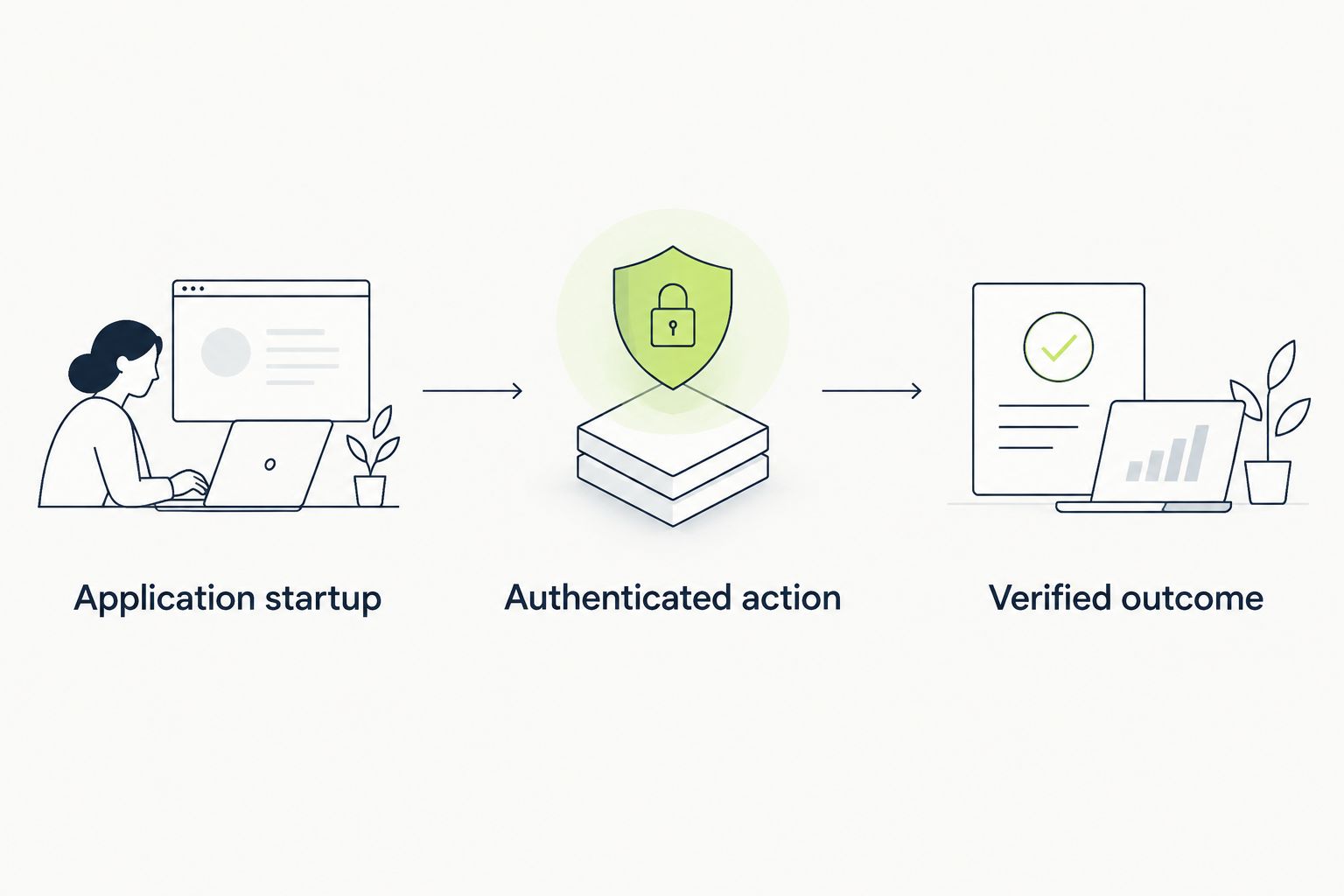
A useful setup pilot ends with an asserted result, not a completed click sequence.
Deliberately break the expected outcome before approving the pilot. A check that stays green when the intended behavior fails is not ready to protect a pull request.
Choose TestDriver for GitHub pull-request UI testing when that is the workflow you need to establish. Choose Cypress for interactive JavaScript authoring, or Playwright for an explicit, code-owned browser suite.
Choose Robot Framework when a shared keyword layer has a clear owner. Keep Selenium when existing WebDriver infrastructure already solves the surrounding execution work. Your 2026 decision should remove setup responsibilities you do not want, not merely move them into another configuration file.
What’s the easiest test automation tool to set up for GitHub pull requests?
TestDriver is the workflow-focused choice for GitHub pull-request UI checks. It automatically runs pull requests in a real desktop sandbox to catch UI regressions; validate application access and your target journey during the pilot.
Is Cypress easier to set up than Playwright?
Neither is universally easier to set up. Cypress suits teams prioritizing interactive test authoring, while Playwright suits teams prioritizing an explicit browser suite with fixtures and assertions.
Does an easy local setup mean the tests are ready for CI?
No, a local passing run does not establish CI readiness. Run the check in a fresh environment with application startup, credentials, and test data configured explicitly.
Should an existing Selenium team switch just to simplify setup?
Do not switch solely because another tool has a shorter introductory example. Compare the replacement work against the fixtures, reporting, and execution infrastructure already maintained around Selenium.
Is Robot Framework a no-code testing tool?
Robot Framework uses keyword-driven test cases, but automation still depends on supporting libraries and implementation work. Custom keywords require technical ownership even when the scenario text is readable.
How should a startup compare test automation tools for ease of setup?
A startup should compare the work required to produce a repeatable, meaningful CI check. Use the same application journey for each candidate and include authentication, an asserted outcome, and failure investigation.
A deliberately failing check is a better setup milestone than an unexplained green run. Before expanding coverage, make the application violate the expected behavior and confirm that the test fails for that reason. This catches the setup mistake that a successful demo conceals: executing steps without verifying the result.
Compare ACCELQ alternatives: TestDriver for GitHub pull-request UI checks, Playwright for code-owned browser tests. See trade-offs and migration steps.
Compare testrigor alternatives: TestDriver for desktop PR testing, Playwright for coded browser tests. See trade-offs and decide what fits your team.
Compare Virtuoso QA alternatives: TestDriver for GitHub pull-request UI testing, Playwright for code-owned tests. See trade-offs and evaluation steps.
Test automation tools pricing comparison for 2026: choose by workflow fit, then compare CI execution, maintenance, and failure investigation work.
TestDriver runs every pull request in a real desktop sandbox, finds bugs, and builds regression tests - right from your repo.